Install Kondo
The extension supports LinkedIn only.
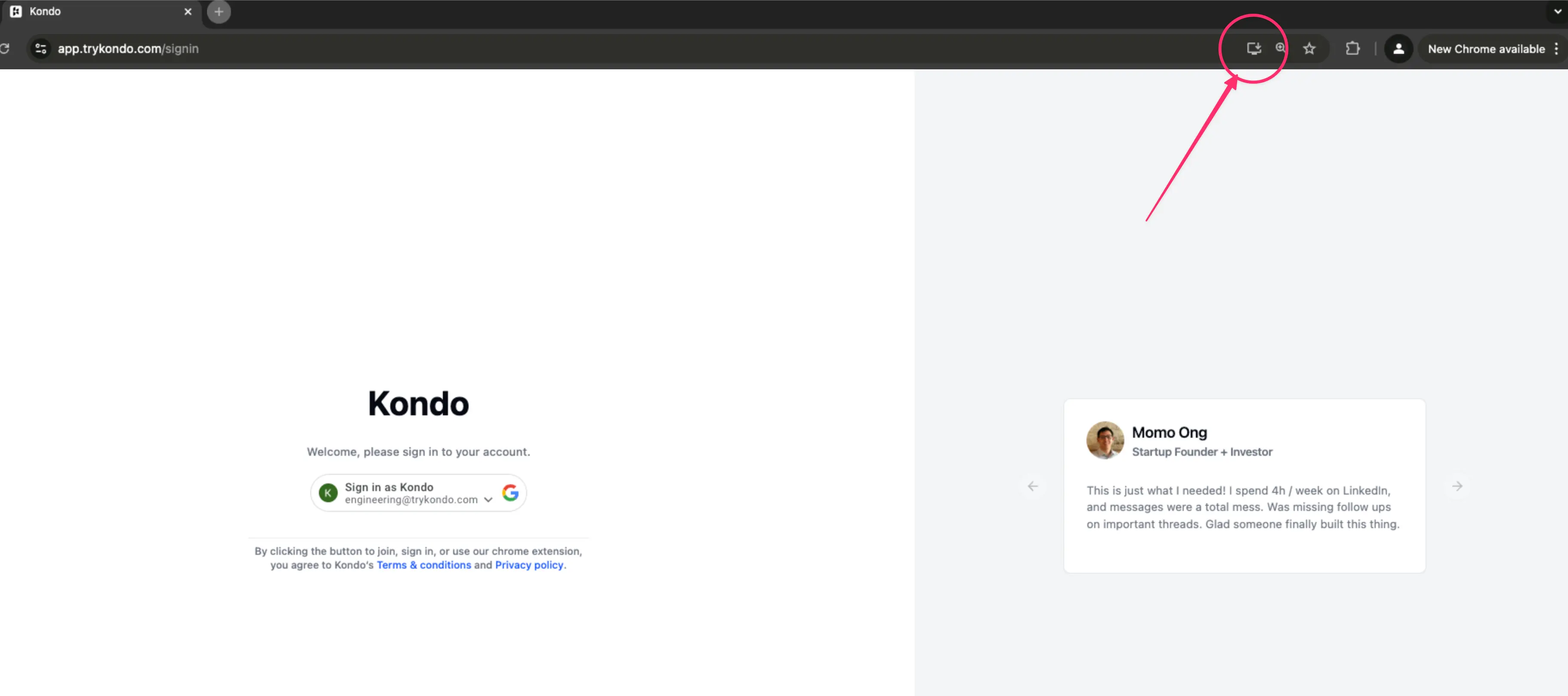
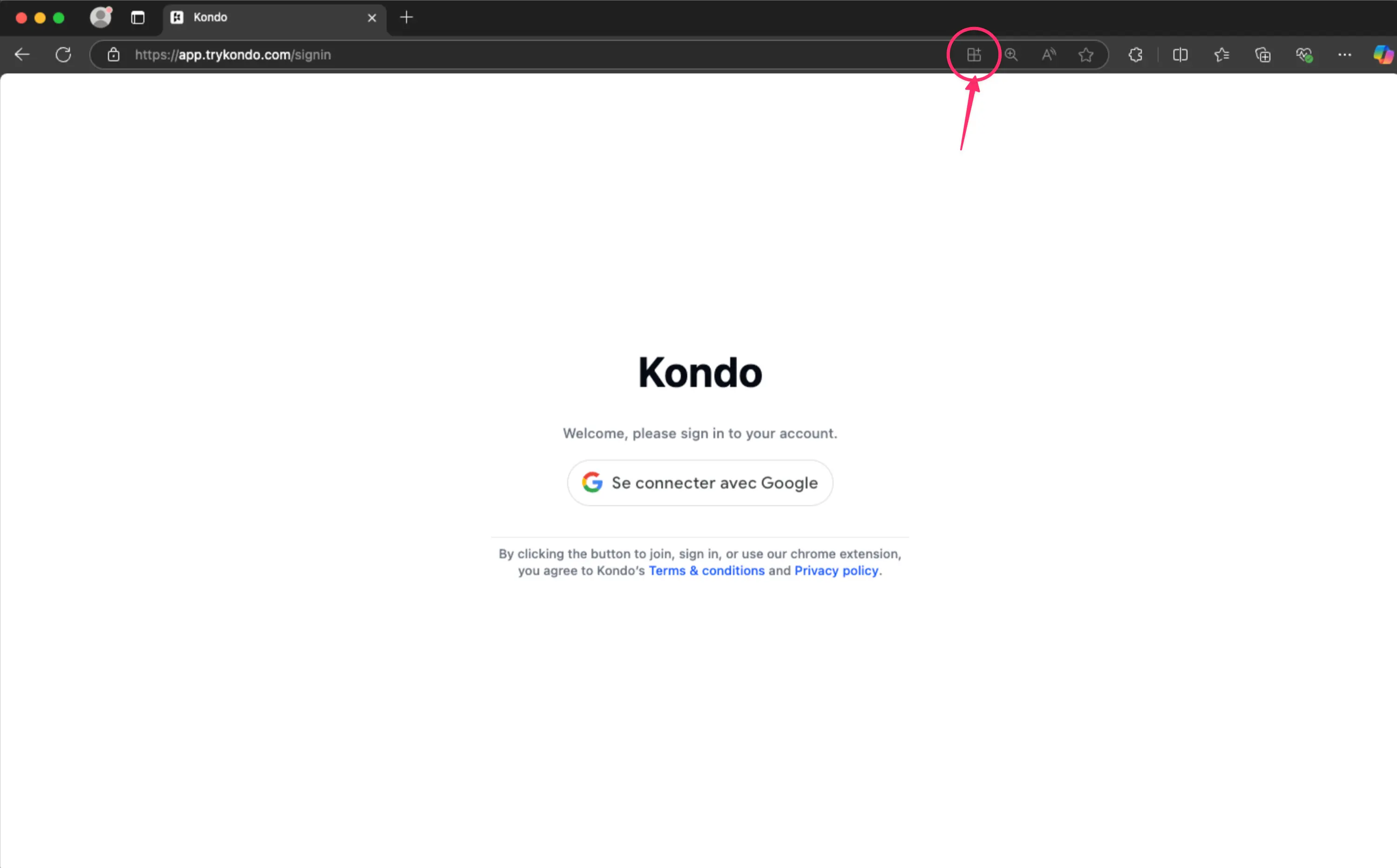
Install Kondo as its own window in Chrome, Edge, or Brave. Open app.trykondo.com and install from the browser.
Kondo Desktop supports WhatsApp. LinkedIn and iMessage are coming soon.
Kondo Desktop is a native desktop app. It runs on its own, without a browser or a browser extension.
Download Kondo Desktop and drag it to your Applications folder.
Kondo runs on macOS 13.3 or later, on Apple silicon and Intel Macs. One download covers both.
Install with Homebrew
Kondo has its own Homebrew tap. Trust it once, then install:
Kondo updates itself, so brew upgrade normally has nothing to do.
Download Kondo Desktop as a .deb, a .rpm or an AppImage. The download page hands you the .deb by default and links the other two.
Kondo runs on x86_64 (Intel or AMD) with WebKitGTK 4.1, such as Ubuntu 22.04 or later. There is no ARM build yet, so Kondo does not run on a Raspberry Pi or an ARM laptop.
Debian and Ubuntu
Fedora and RHEL
AppImage
An AppImage needs no package manager. Make it executable and run it:
Sign in
Open Kondo and sign in. Kondo opens your browser to finish signing in, then hands you back to the app.
You need an active subscription to use Kondo.