WhatsApp Inbox Management
Give WhatsApp on your computer an inbox you can clear. Label chats, archive the ones that are done, and keep the list on what still needs you.
WhatsApp was built for friends, not for work
The moment business runs through it, one unfiltered list starts costing you hours.
Everything in one pile
Clients, suppliers, family, and group chats share one list. The chat that matters is three screens down by lunchtime.
No way to clear the list
Finished chats stay in the same stream as open work. Nothing marks a conversation as handled.
Search that gives up
You know someone sent the address. Finding it on a phone means scrolling and hoping.
A real inbox for WhatsApp
Kondo Desktop runs on your computer alongside the phone app and adds the organization WhatsApp leaves out.
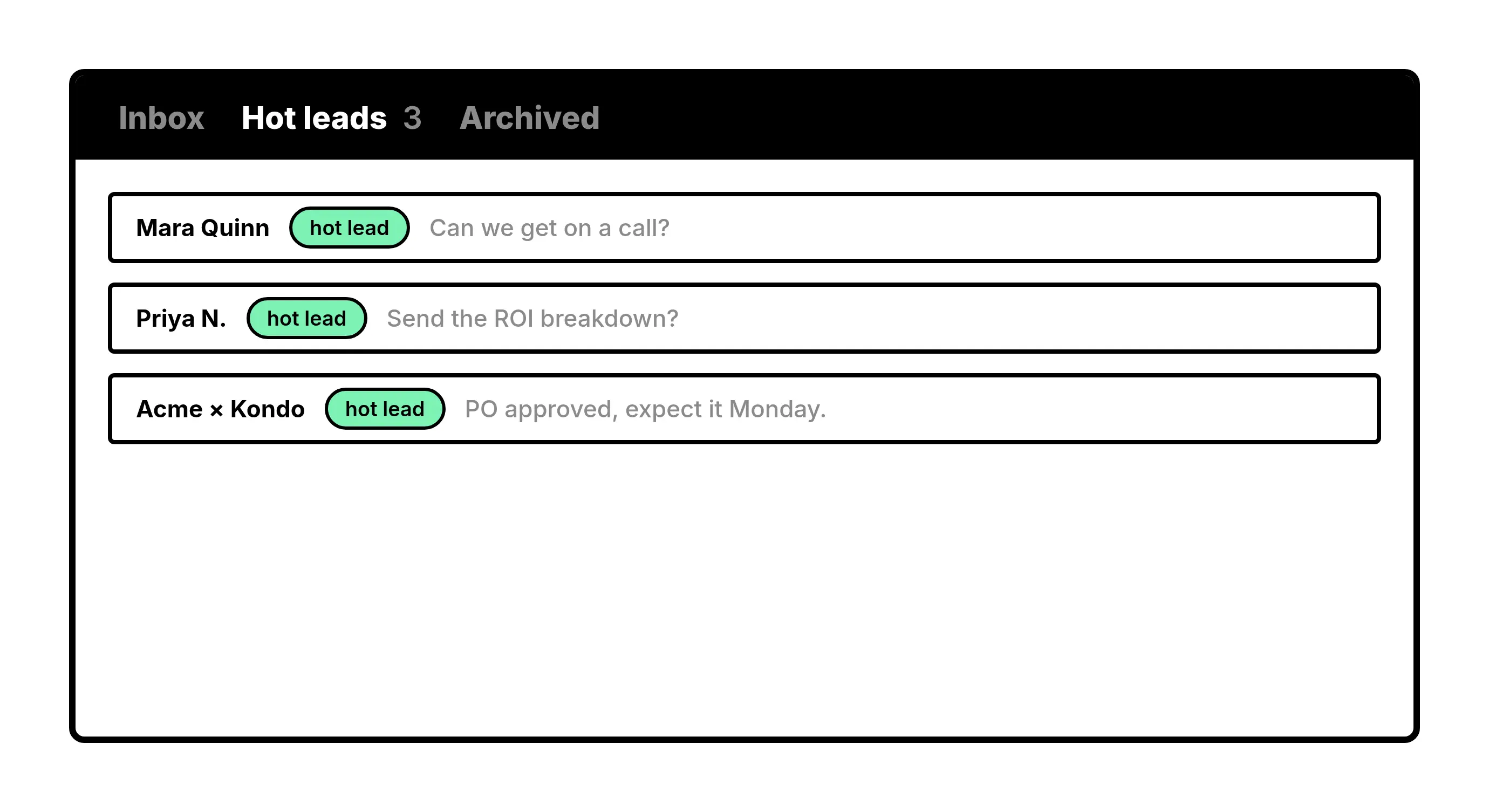
Labels
Split one list into many
Label chats by client, project, or stage and open each as its own inbox. What needs you today stops competing with everything else.
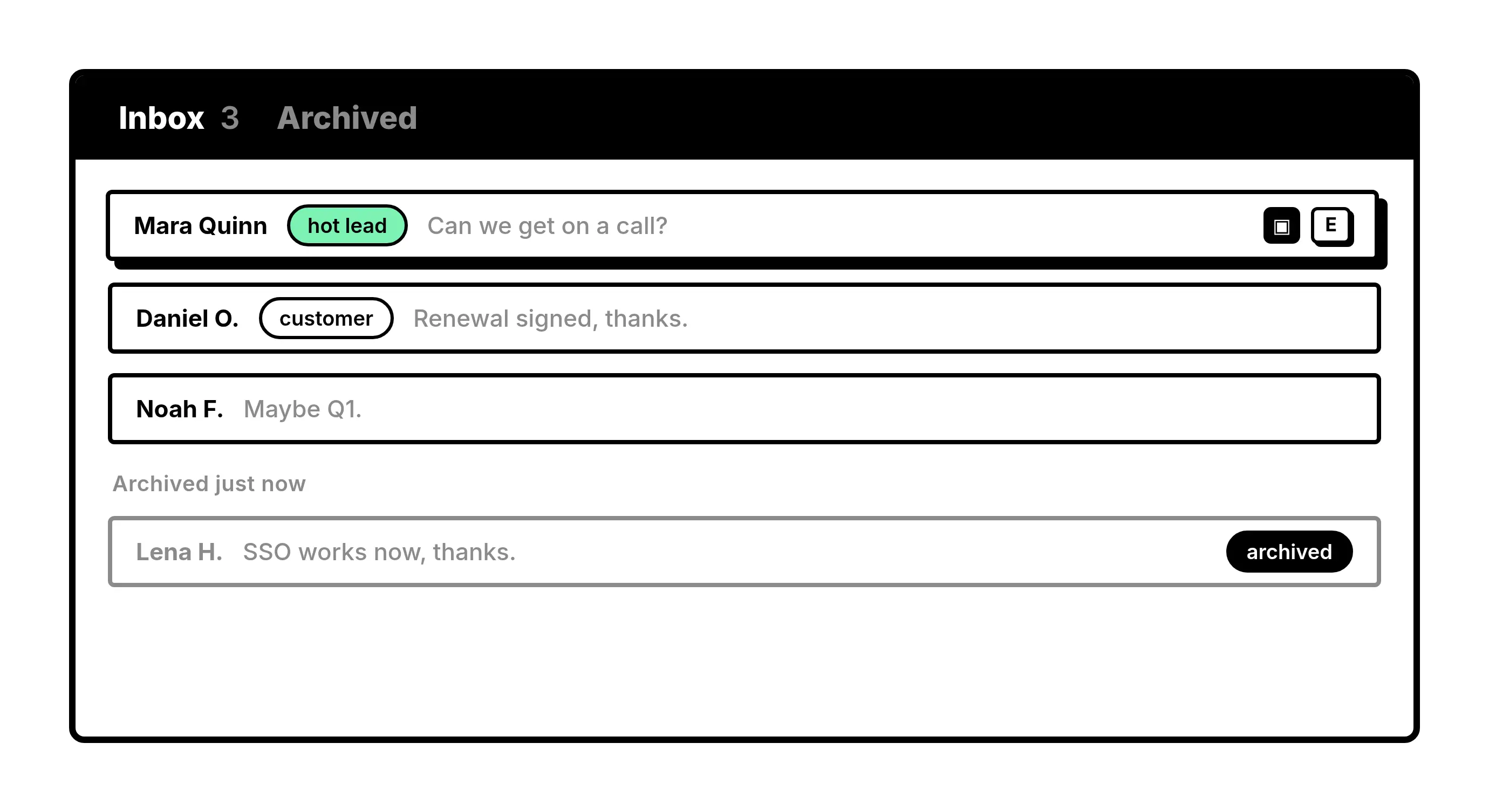
Archive
Clear finished chats
Archive a chat when you are done with it. Your main inbox stays on conversations that still need a decision.
Give Your AI Access to Your WhatsApp Inbox
Let Claude, ChatGPT, or Cursor triage your WhatsApp inbox. Your agent reads messages on your computer, can draft replies, add labels, and set reminders.
Explore the WhatsApp MCP serverlist_chats “pricing”6 foundread_chat× 6set_chat_draft× 6set_chat_label “Hot”× 6
What people say
Make WhatsApp manageable from your computer
Download Kondo Desktop and work your chats from one focused inbox.
Requires macOS 13.3 or later, Windows 10 or later, or Linux on x86_64, and a Kondo subscription.
FAQs
What is WhatsApp inbox management in Kondo?
Kondo Desktop is a desktop app that adds labels, archive, reminders, snippets, and keyboard shortcuts to the WhatsApp chats you already have. It does not send messages for you.
Does this put the whole team’s WhatsApp into one inbox?
No. Each person manages their own WhatsApp inbox. Teams can share labels. Kondo does not pool every teammate’s private chats into one mailbox.
Does Kondo upload my WhatsApp chats?
Message history, contact names, and attachments stay on your computer. Labels, reminders, and snippets are stored in your Kondo account so your workflow follows you.