Never lose a WhatsApp follow-up
Set a reminder on any chat and it comes back when it is due. Stop relying on memory after you read a message on your phone.
WhatsApp does not bring work back
Once a chat leaves the bottom of the screen, following up is on you.
Replies that never happen
You read a message on your phone, mean to answer properly later, and it sinks. Nothing brings it back.
Follow-ups live in your head
Following up depends on remembering who you promised and when. A busy day wipes the list.
Open work disappears
Open loops sit in the same stream as family chats. The one you owed a reply is gone by the afternoon.
Follow up from the desktop inbox
Kondo Desktop keeps the open loop on your computer until you close it.
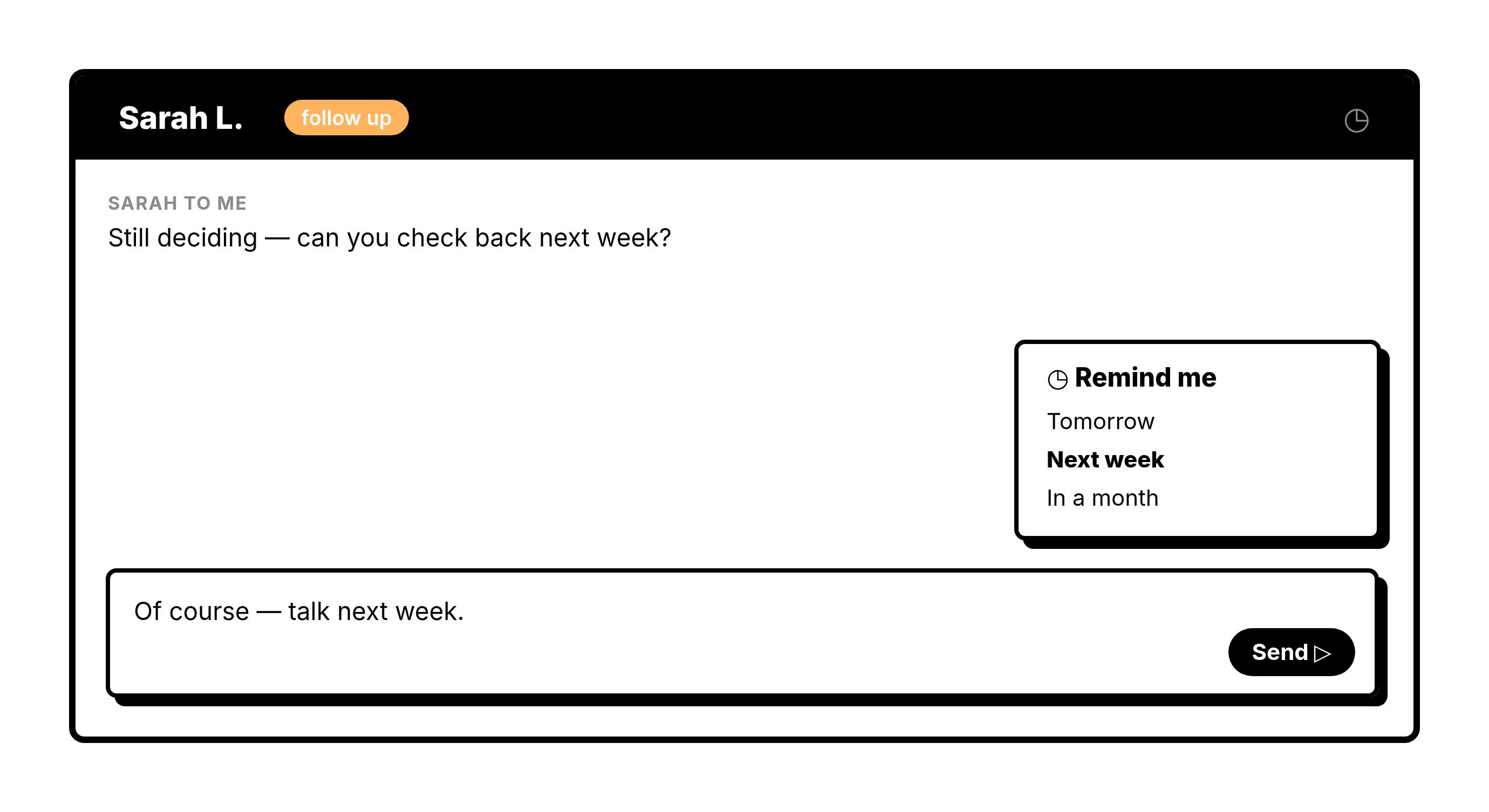
Reminders
Bring a chat back when it matters
Set a reminder on any chat and it returns to your inbox, unread, when it is due. Following up stops depending on memory.
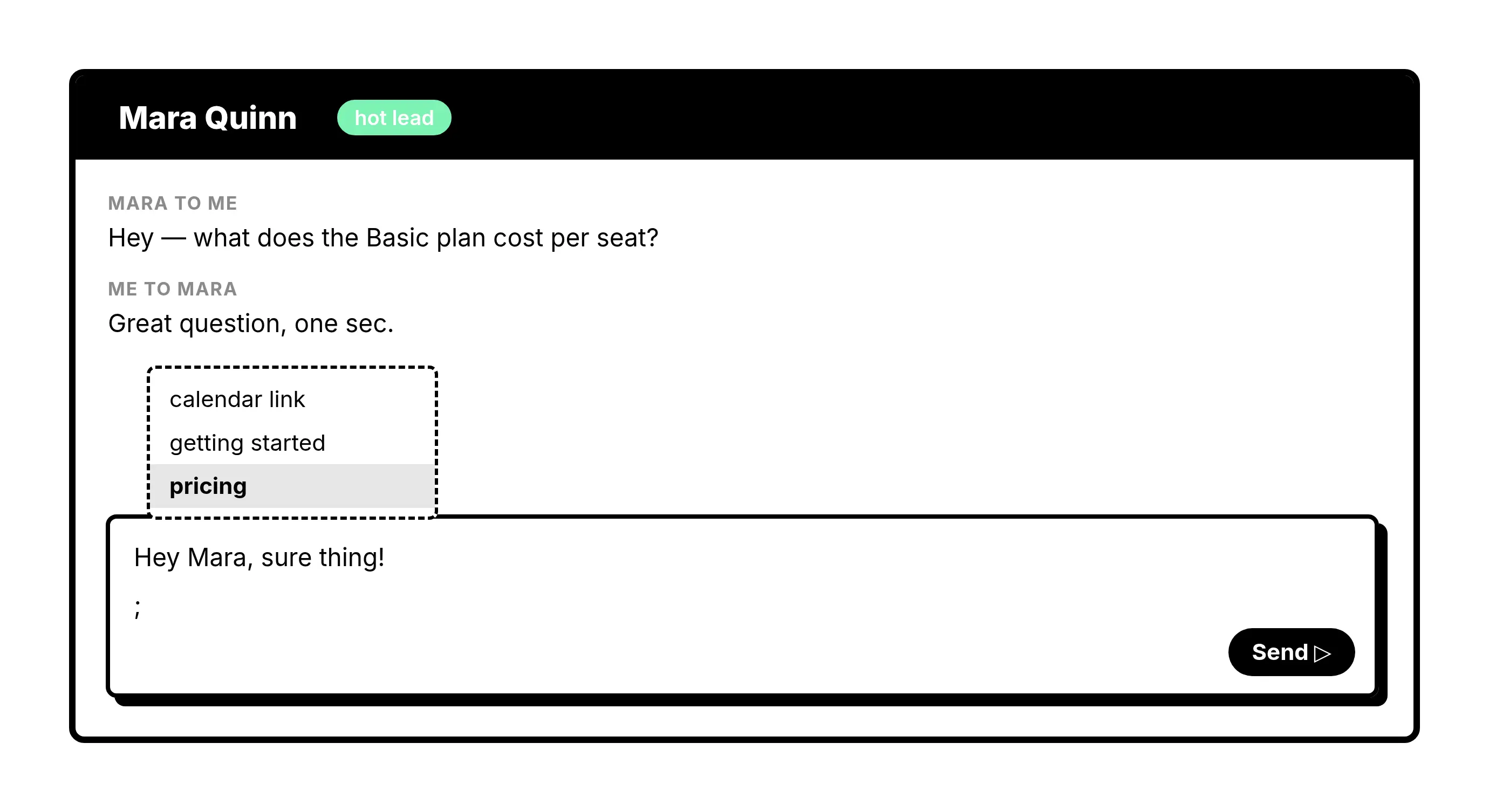
Snippets
Reply without starting from scratch
Save the replies you send constantly and drop one in with a few keystrokes, with the contact’s name filled in.
Give Your AI Access to Your WhatsApp Inbox
Let Claude, ChatGPT, or Cursor triage your WhatsApp inbox. Your agent reads messages on your computer, can draft replies, add labels, and set reminders.
Explore the WhatsApp MCP serverlist_chats “pricing”6 foundread_chat× 6set_chat_draft× 6set_chat_label “Hot”× 6
What people say
Bring every WhatsApp follow-up back on time
Download Kondo Desktop and pair it with the account you already use.
Requires macOS 13.3 or later, Windows 10 or later, or Linux on x86_64, and a Kondo subscription.
FAQs
How do reminders work in Kondo Desktop?
Open a chat, set a reminder for later today, tomorrow, or a date you choose. When it is due, the chat returns to the top of your inbox.
Does Kondo send follow-ups automatically?
No. Kondo does not send messages or follow-ups for you. It brings the chat back so you can reply yourself.
Which operating systems are supported?
Kondo Desktop runs on macOS, Windows and Linux. The download page picks the right build for the computer you open it on.