WhatsApp CRM Tool
Stop losing leads in messy chats. Kondo adds CRM power to your inbox with labels, reminders, and quick replies.
Your best leads are buried in WhatsApp
Customer conversations pile up with no way to track status, flag hot leads, or remember who needs a follow-up. Important messages get buried. Deals go cold. There is no structure, just an endless scroll.
No way to track status
Customer conversations pile up with no way to see which ones are hot leads and which are done.
Important messages get buried
There is no structure, just an endless scroll. The chat you needed is gone by the afternoon.
Deals go cold
Remembering who needs a follow-up is on you, and a busy day wipes the list.
See How Kondo Works as Your WhatsApp CRM
Lead Organization
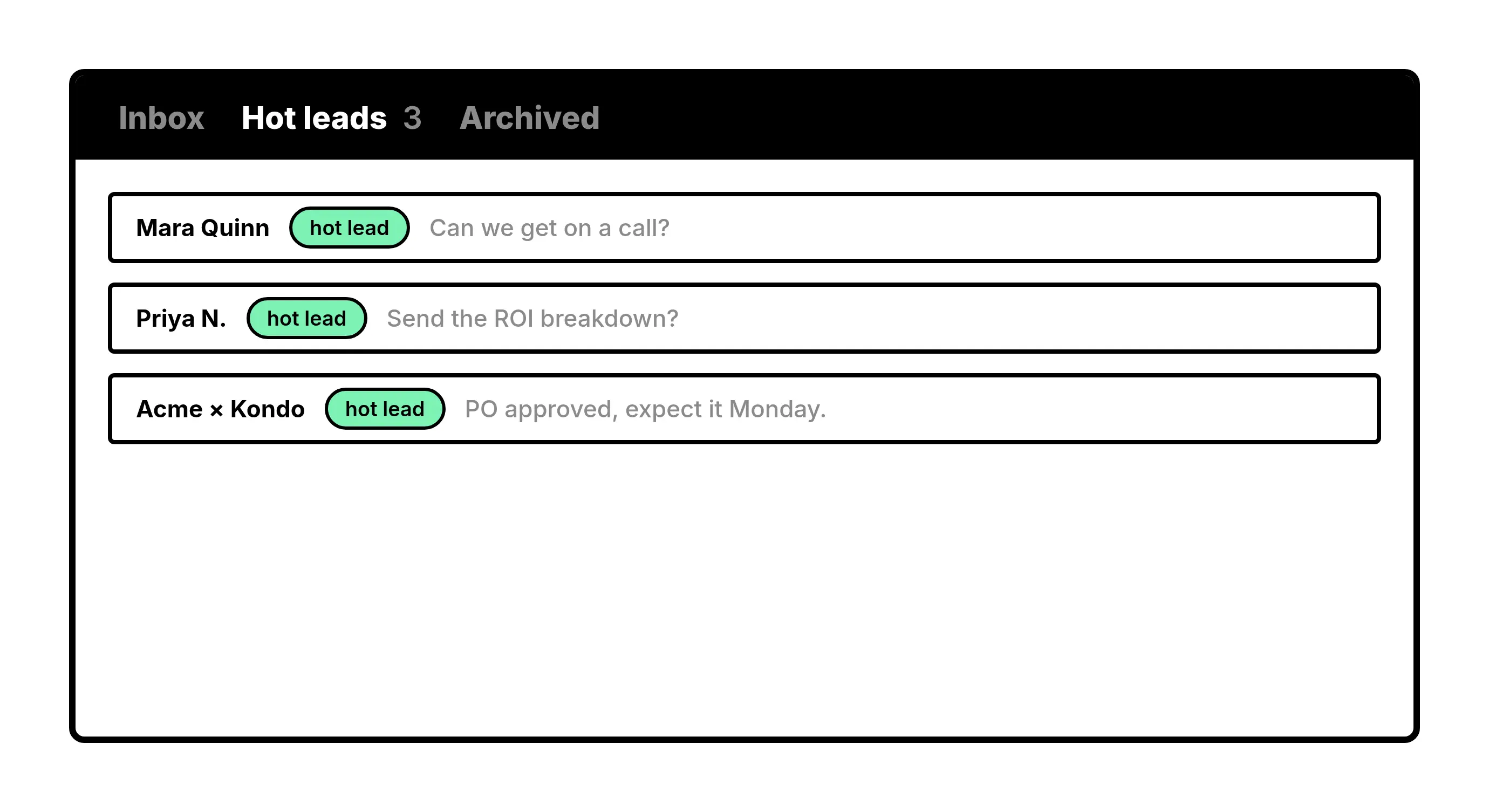
Label Every Conversation That Matters
Tag chats as Hot Lead, Client, or anything you need and view them in their own focused inbox.
Follow-Up Reminders
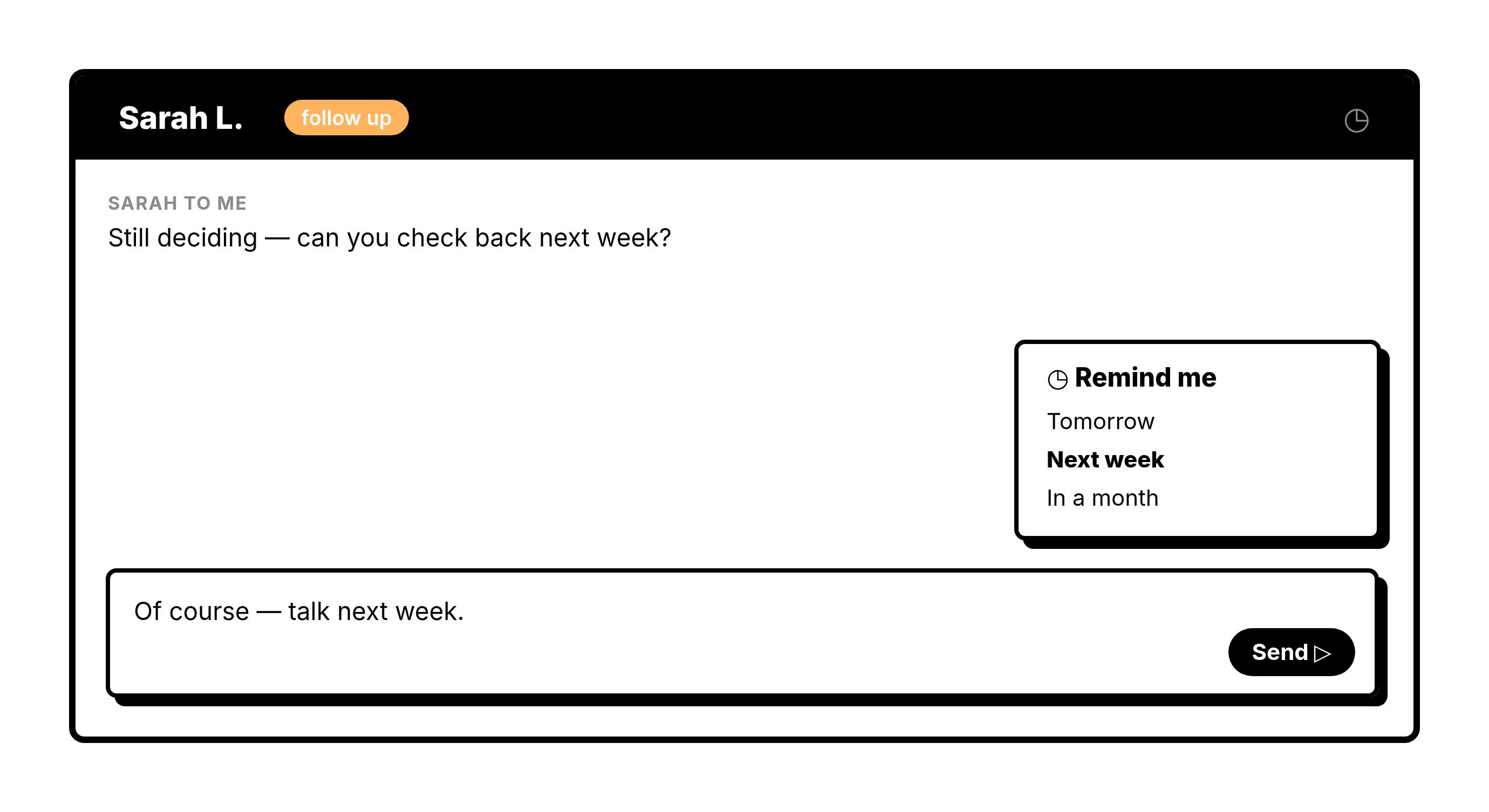
Never Let a Lead Go Cold
Set a reminder on any chat and it resurfaces at the top of your inbox exactly when you need to act.
Quick Replies
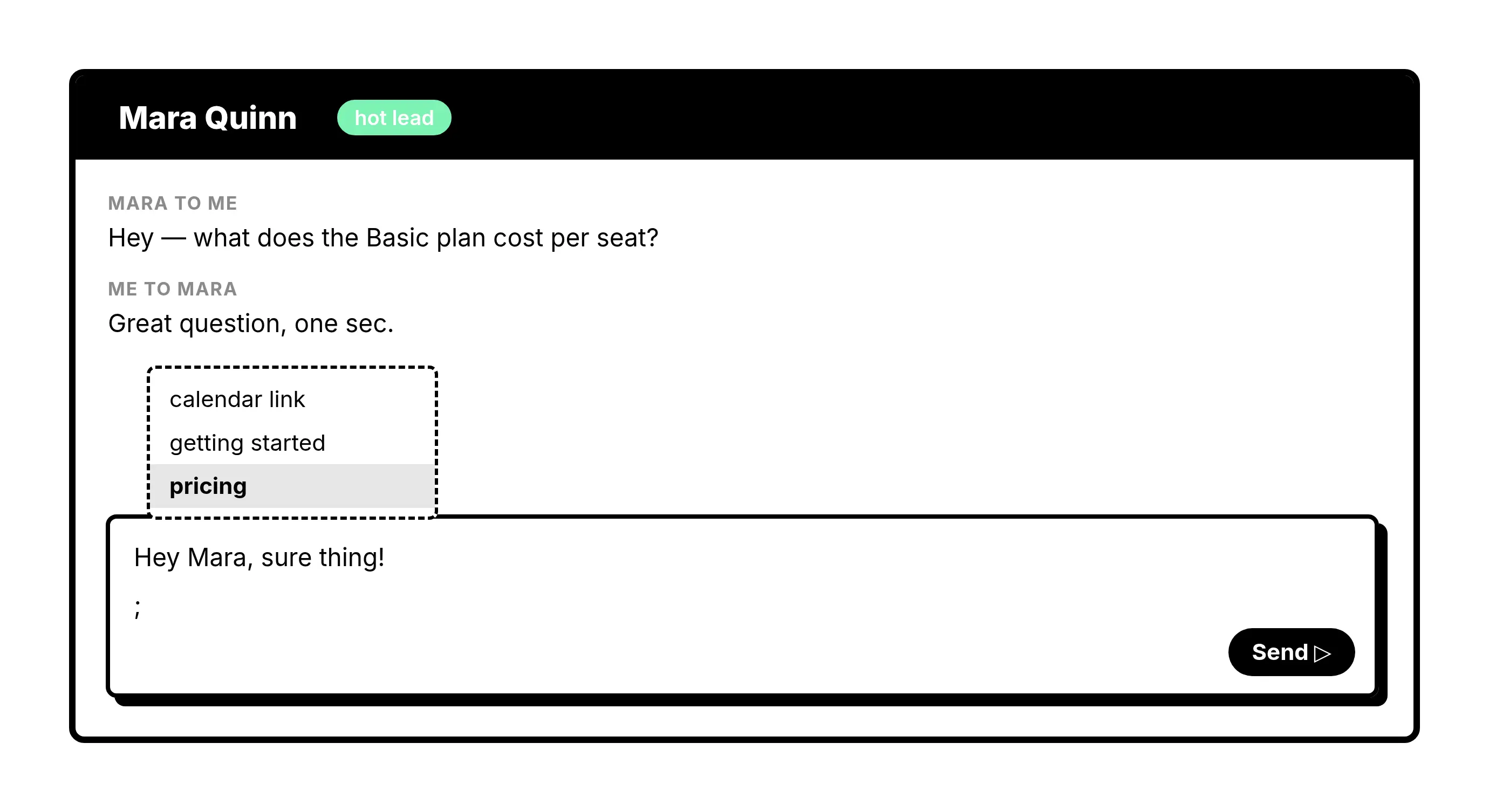
Reply Faster With Saved Templates
Save your most-used messages as snippets and send personalized replies in seconds, not minutes.
Contact Notes
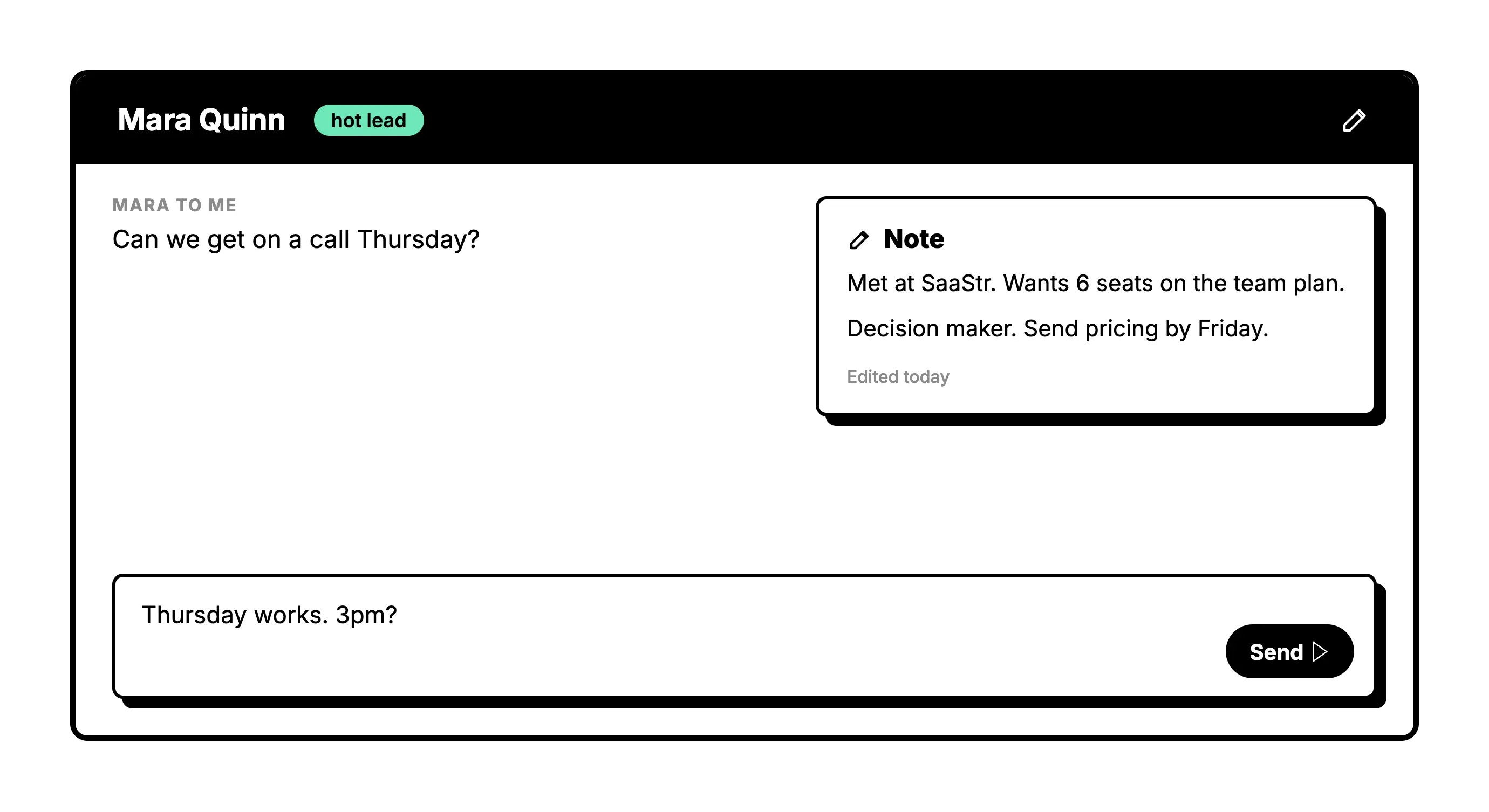
Keep Notes on Every Customer
Write down what matters about each person, from deal size to next steps, so it is there every time you pick the conversation back up.
Give Your AI Access to Your WhatsApp Inbox
Let Claude, ChatGPT, or Cursor triage your WhatsApp inbox. Your agent reads messages on your computer, can draft replies, add labels, and set reminders.
Explore the WhatsApp MCP serverlist_chats “pricing”6 foundread_chat× 6set_chat_draft× 6set_chat_label “Hot”× 6
What people say
Stop losing leads in messy chats
Download Kondo Desktop and pair it with the account you already use.
Requires macOS 13.3 or later, Windows 10 or later, or Linux on x86_64, and a Kondo subscription.
FAQs
What is a WhatsApp CRM tool and do I need one?
A WhatsApp CRM tool layers organization and follow-up tracking on top of your existing WhatsApp inbox. If you are managing leads, clients, or customer conversations inside WhatsApp and things are slipping through the cracks, a lightweight tool like Kondo gives you the structure to stay on top of it without switching platforms.
How does Kondo work as a WhatsApp CRM tool?
Kondo lets you label conversations, set follow-up reminders, and save reply templates directly inside your messaging inbox. It brings the core habits of a CRM including tracking, prioritization, and timely outreach into the place where your customer conversations already happen.
Can Kondo sync WhatsApp conversations to my existing CRM?
Yes. On the Business plan, Kondo connects to tools like HubSpot, Salesforce, Notion, Google Sheets, Attio, and Clarify. Your conversation data, labels, and contact details flow into the systems your team already uses, so nothing has to be logged manually.
Is Kondo good for small teams or solo operators?
Kondo is built for exactly that. Whether you are a solo founder, a small sales team, or a coach managing client relationships, Kondo keeps things simple. There is no complex CRM to configure. You get organization and follow-up tools that work the way your inbox already does.
Do I need to leave WhatsApp to use Kondo?
No. Kondo is designed to work alongside the messaging tools you already use every day. You stay in your inbox. Kondo adds the labels, reminders, and quick replies on top so your workflow stays familiar, just far more organized and effective.