Kondo Desktop
Give WhatsApp on your computer an inbox you can clear. Organize chats, follow up on time, and reply faster while your chat content stays on your device.

A real inbox for WhatsApp
Make a clear decision on every chat and keep the inbox focused on what needs your attention.
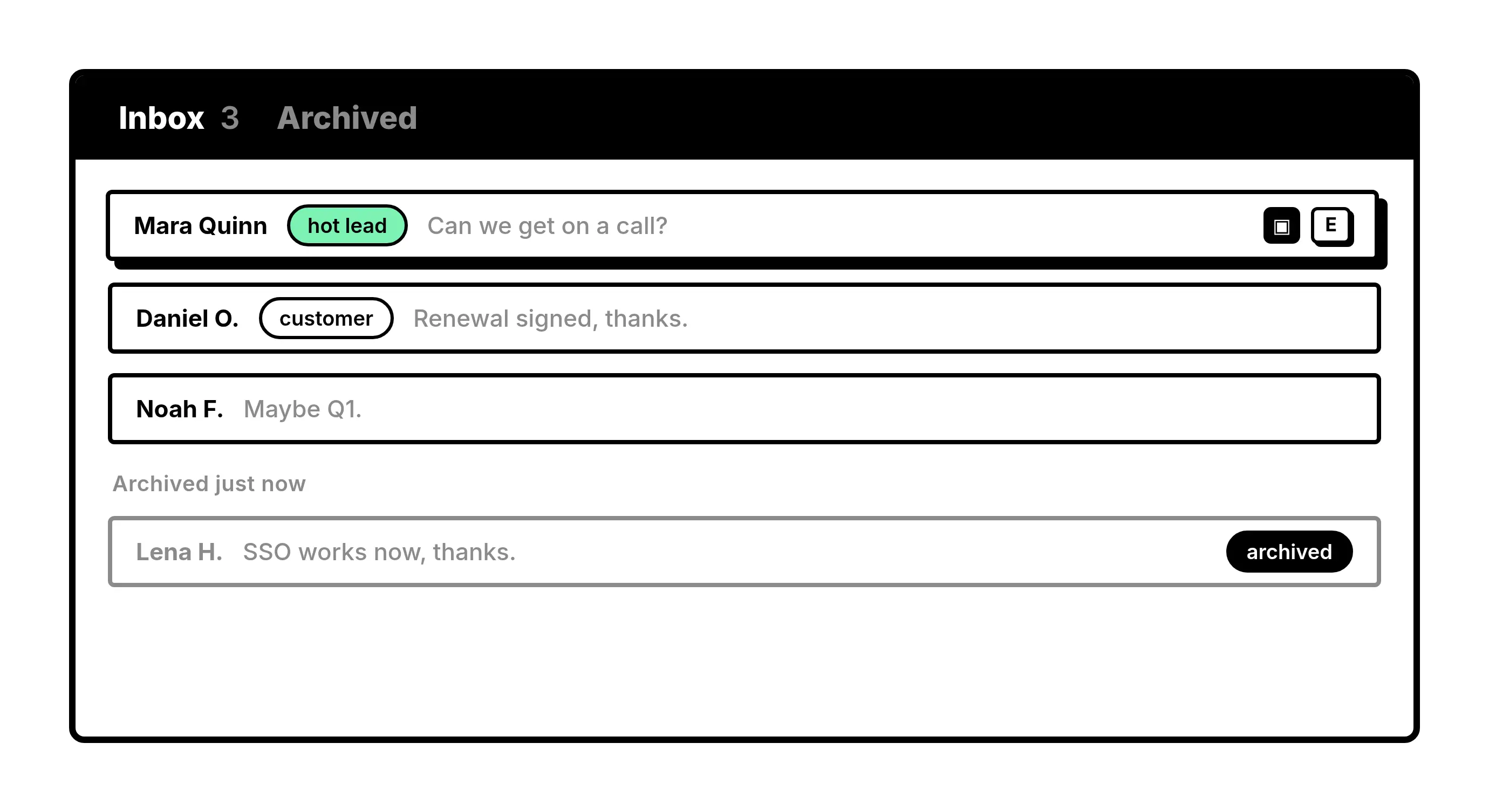
Inbox
Clear finished chats
Archive conversations when you’re done with them and keep your main inbox focused.
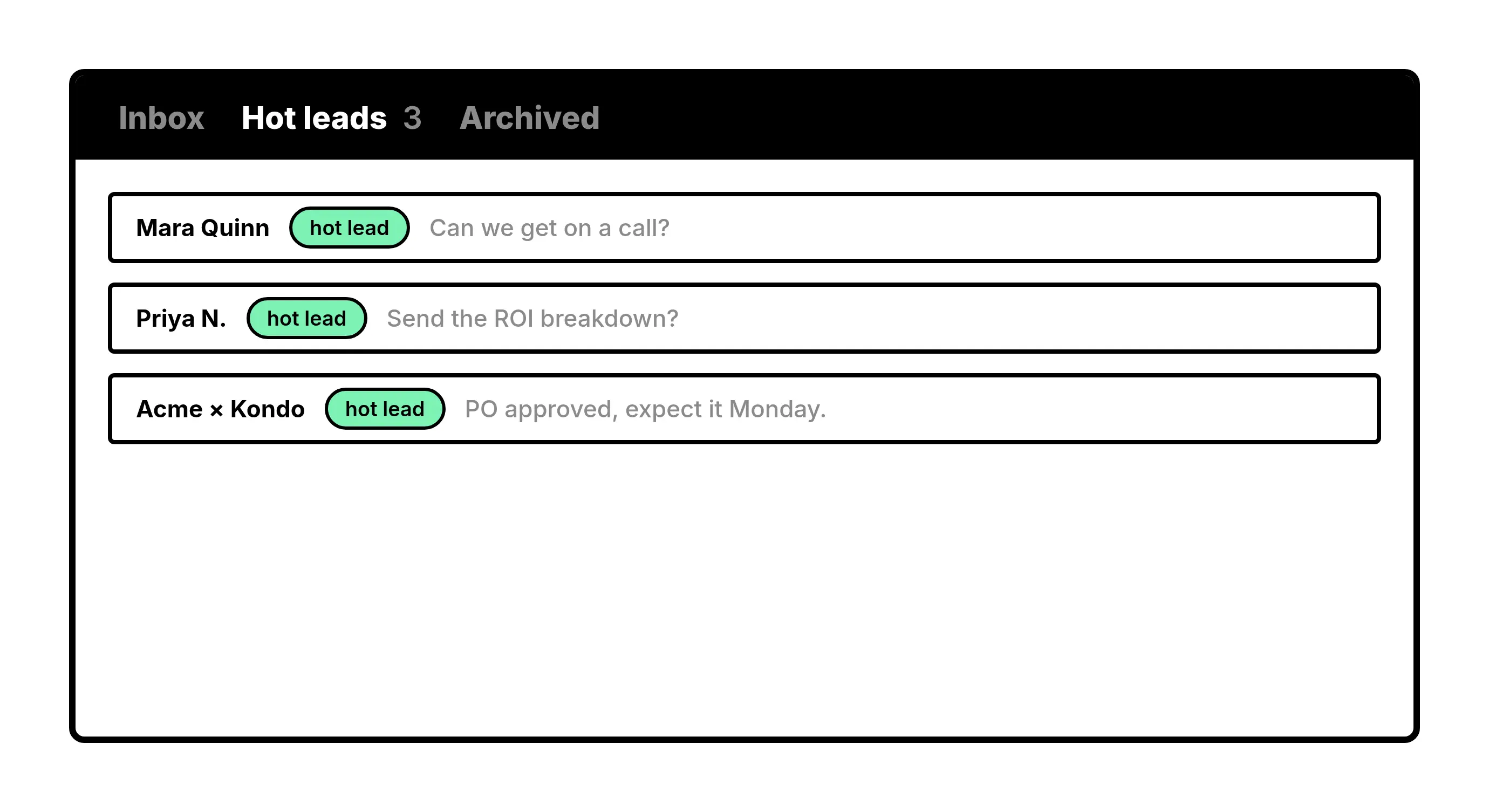
Labels and reminders
Keep priority chats in their own list
Group chats by client, priority, or project. Set a reminder and the chat returns when it needs attention.
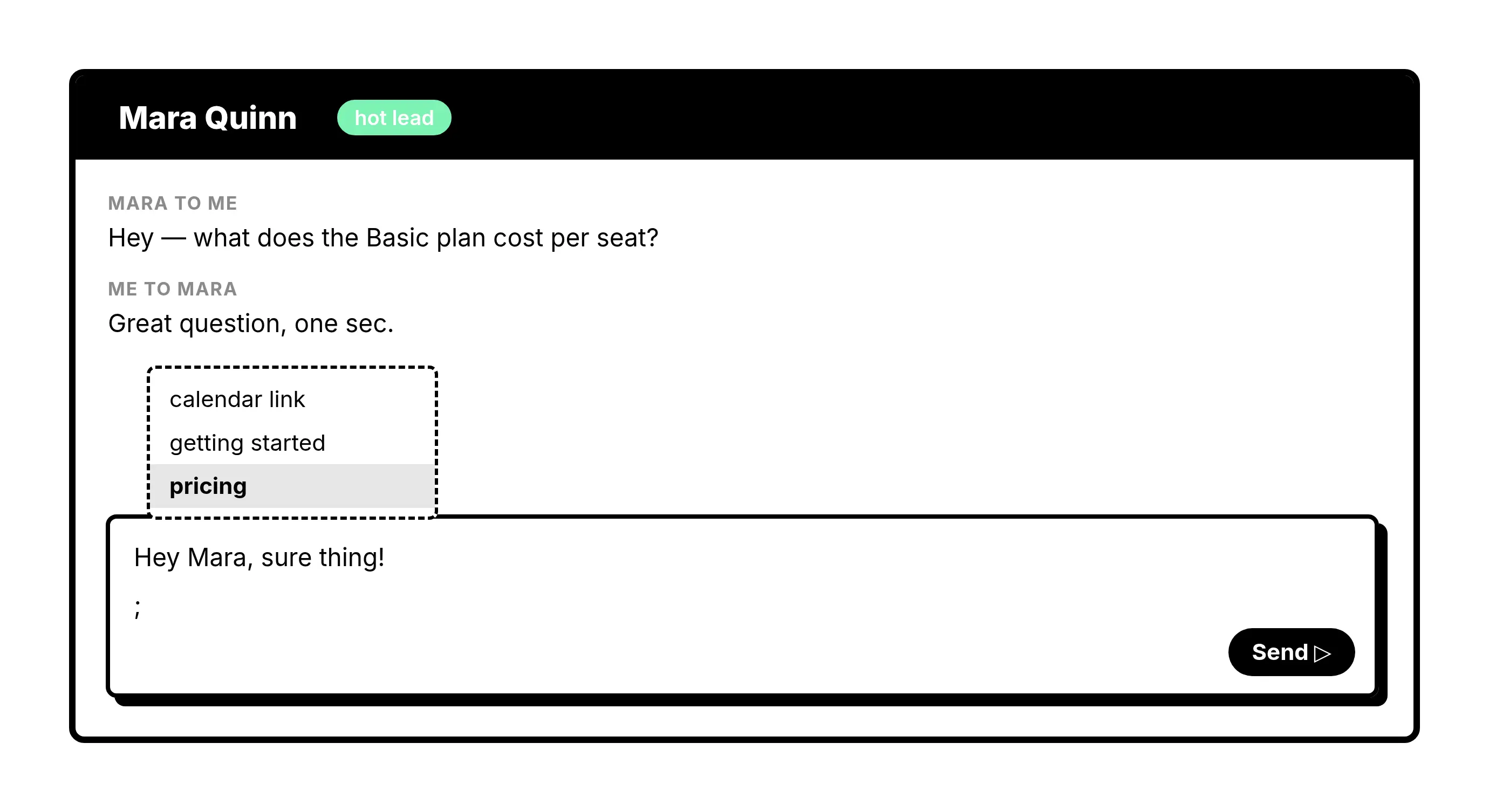
Snippets and shortcuts
Reply without breaking your flow
Save replies with placeholders and move through the inbox from the keyboard.
Your chats stay on your device
Kondo stores the workflow data needed to make the product useful across sessions. It does not upload your WhatsApp content to Kondo’s servers.
Message history stays local
The content of your WhatsApp conversations remains on your device.
Contacts and attachments stay local
Contact names and chat attachments are not uploaded to Kondo’s servers.
Your workflow follows you
Labels, reminders, and snippets are stored in your Kondo account so they remain available when you sign in.
Make WhatsApp manageable from your computer
Download Kondo Desktop and work your chats from one focused inbox.
Kondo Desktop FAQs
What is Kondo Desktop?
Kondo Desktop is a native desktop app that gives your WhatsApp chats labels, reminders, snippets, keyboard shortcuts, and an inbox you can clear.
Which operating systems does Kondo Desktop support?
Kondo Desktop runs on macOS 13.3 or later, 64-bit Windows 10 or later, and Linux on x86_64. The download page picks the right build for the computer you open it on.
Does Kondo Desktop need a browser extension?
No. Kondo Desktop runs as its own app. It does not depend on a browser or browser extension.
Does Kondo upload my WhatsApp chats?
No. Message history, contact names, and attachments stay on your device. Kondo stores labels, reminders, and snippets in your account so your workflow data remains available when you sign in.
Which messaging service does Kondo Desktop support?
Kondo Desktop supports WhatsApp today.
Is this the same as Kondo for LinkedIn?
No. Kondo Desktop is a native app for WhatsApp. Kondo for LinkedIn is a separate browser app with an extension for LinkedIn and Sales Navigator.