🧹 Clean up my inbox
Decluttering your inbox of old inactive chats will help you focus on those that need replies today.
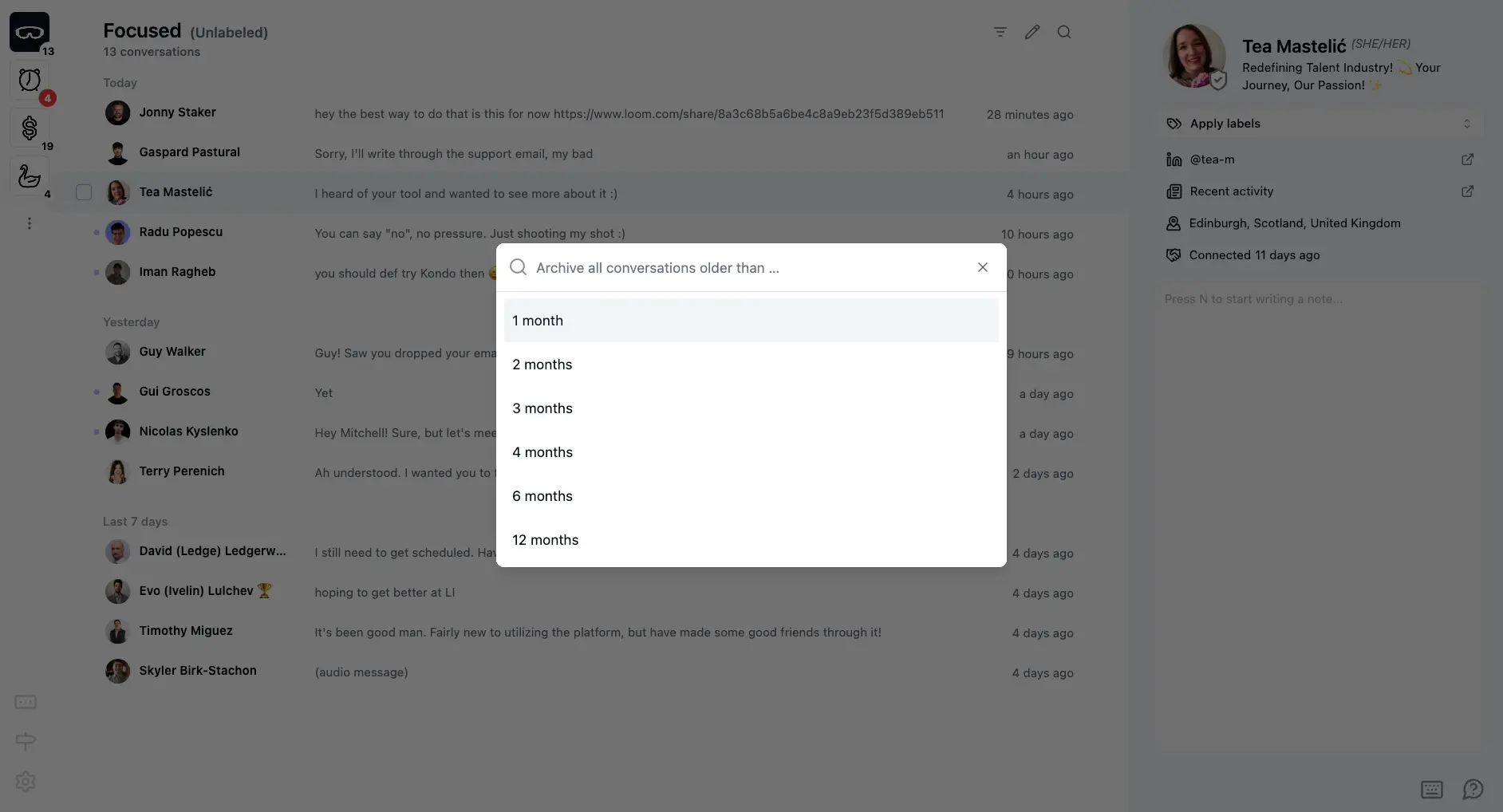
To clear old chats in bulk, use Cmd + K --> Clean Up My Inbox (Ctrl + K on Windows)
When you first connect your account to Kondo, you might have a large backlog of old chats.
Select a time window, and Kondo will bulk archive all chats older than that date. Chats that have a label are skipped.
What if I changed my mind?
Open Cmd + K > Clean Up My Inbox again and pick "Stop cleaning" to cancel the clean up you applied.
You can also restore archived chats by going to the archive with Cmd + K > "Go to Archive" and selecting chats to restore.
When you get new messages, chats automatically un-archive and return to the top of your inbox.
Archived chats are always findable in search.
Does this keep running?
No, the clean up is a one-off action that happens only when you trigger it with the command, if you want to clean things up again, simply repeat.