Inbox management
Archive
Archive helps you keep your inbox clean by moving chats with no pending action to storage.
To archive a chat, hit "E" or click the archive button. This works when you hover over a chat in the list or when you are within a chat.
When you receive a new message in the chat, it will automatically un-archive and go to the top of your inbox.
Where to find archived chats
There are 3 ways to find archived chats
- Using search to find messages will look for all chats, including those in the archive
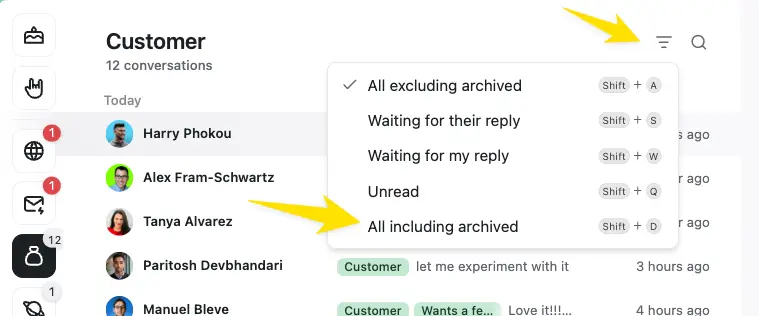
- If you are in a label inbox, you can open the filter to show "All Including Archived"
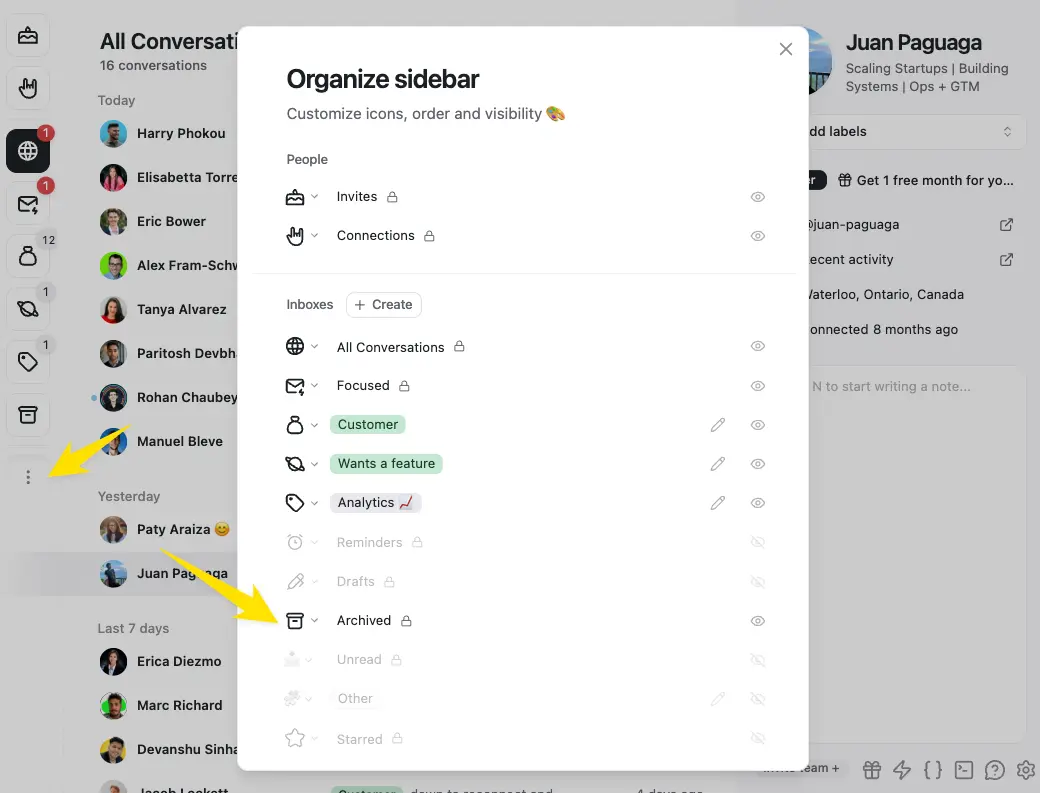
- Open the Archived inbox with the left side bar or useCmd + K -> "Go to Archive"
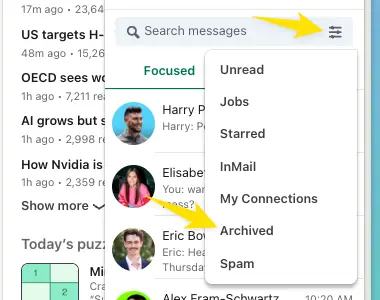
What happens in LinkedIn
LinkedIn has an archive, and we move chats there when you archive or set a reminder on a chat in Kondo.
They will automatically unarchive in both LinkedIn and Kondo when you get a new message or a reminder is due.