Integrations
Webhooks
Webhooks require a Business plan to be enabled
You can push data on your chats from Kondo to your own systems using webhooks.
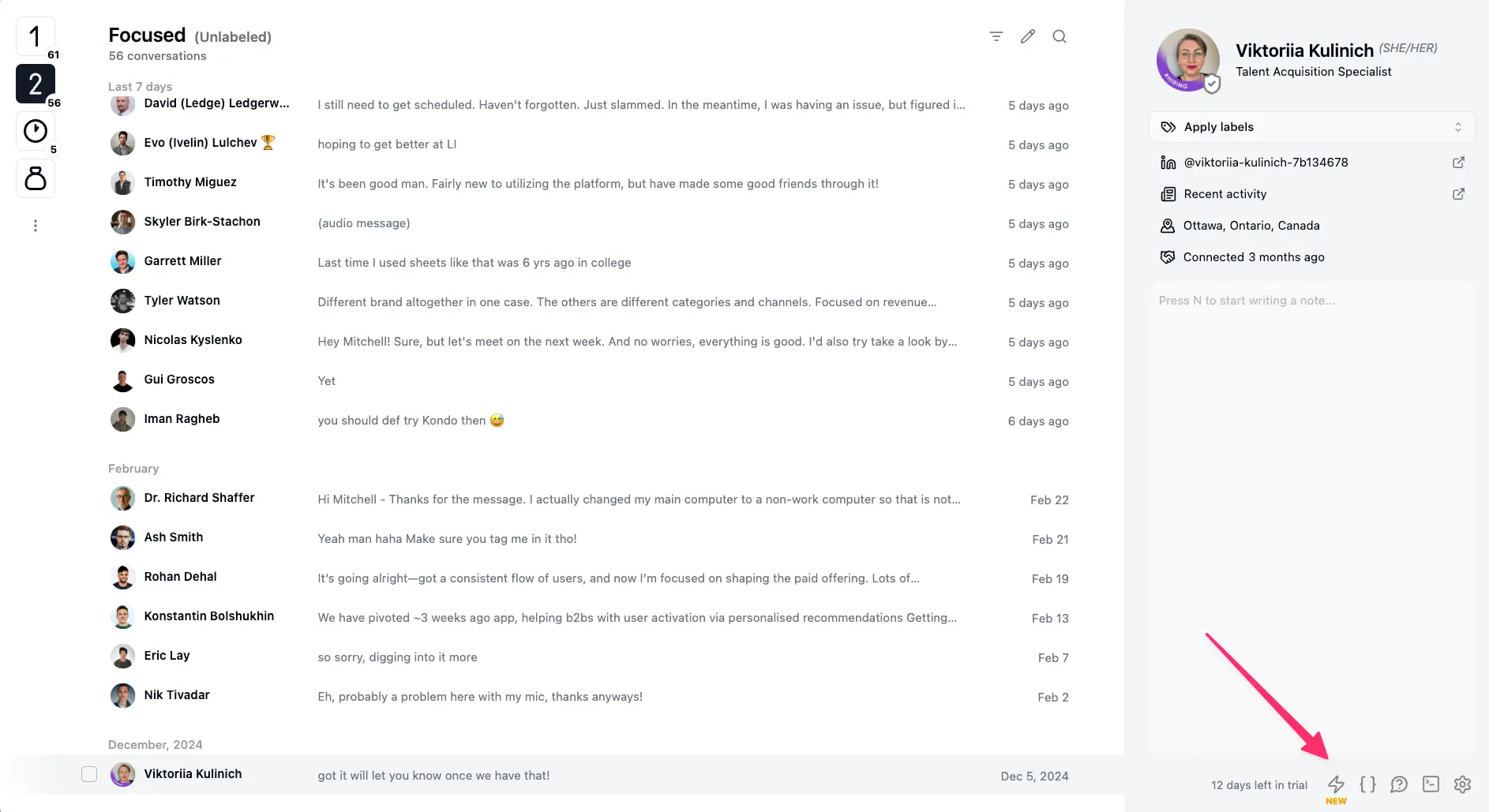
To set up webhooks, go to app.trykondo.com/integrations or look for the ⚡ Integrations button in the bottom right menu
When we post data
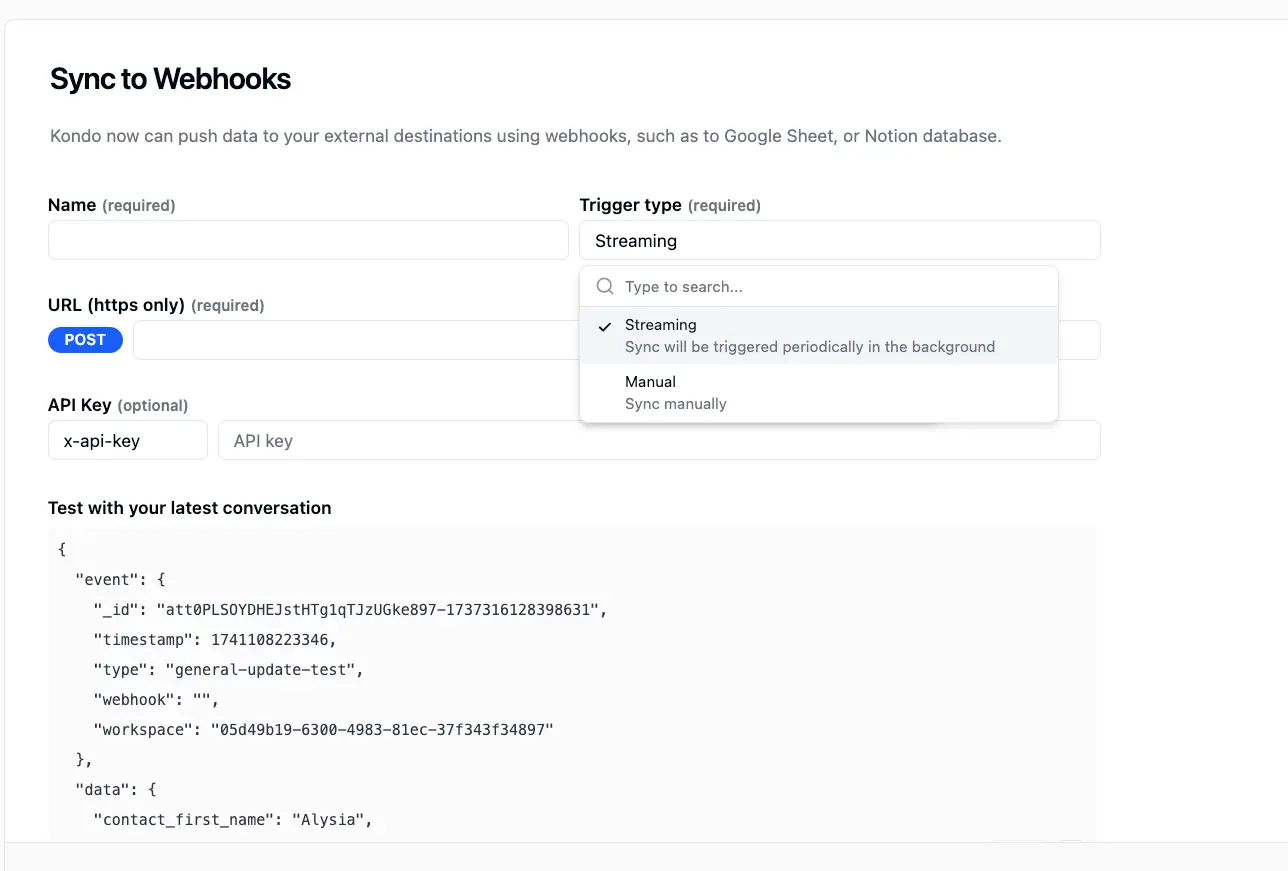
Pick a sync frequency for each destination:
- Auto-sync labeled: syncs only labelled chats, every time there is a change in Kondo e.g. new messages sent, received, labels or notes updated etc.
- Auto-sync all: syncs every chat automatically on the same triggers.
- Manual only: only syncs upon manual triggering through Cmd + K -> Sync or clicking the ⚡ button.
What kind of data we post
We sync these fields to your destination
- Profile URL
- Headline
- Location
- Kondo labels
- Kondo notes
- Kondo URL
- Latest chat timestamp
- Latest message*
- Chat history*
- For a full sample of all the data we post and the format, see app.trykondo.com/integrations/new
*Kondo syncs chat history in two ways
- latest message: this is synced in auto-sync mode or when you trigger syncs individually or in bulk in the inbox list
- entire chat: this is synced ONLY when you trigger a sync by clicking ⚡ or Cmd + K -> Sync while within a specific chat