
Text Expander for LinkedIn Messages: Save Hours on Outreach
Save hours on outreach with snippets that insert personalized templates, so you can focus on closing deals.
What people say
LinkedIn Outreach Challenges
High-volume messaging shouldn't mean sacrificing quality or wasting precious time.
Copy-Paste Fatigue
Repeatedly typing the same messages drains hours from your day and leads to inconsistent outreach.
Lost Opportunities
Critical messages get buried in a cluttered LinkedIn inbox, causing missed connections and delayed responses.
Personalization Bottleneck
Manual personalization takes too long, forcing a choice between quality and quantity in your outreach.
Work Faster with Intelligent Messaging Tools
Kondo transforms your LinkedIn inbox into a high-speed outreach machine with powerful productivity features.
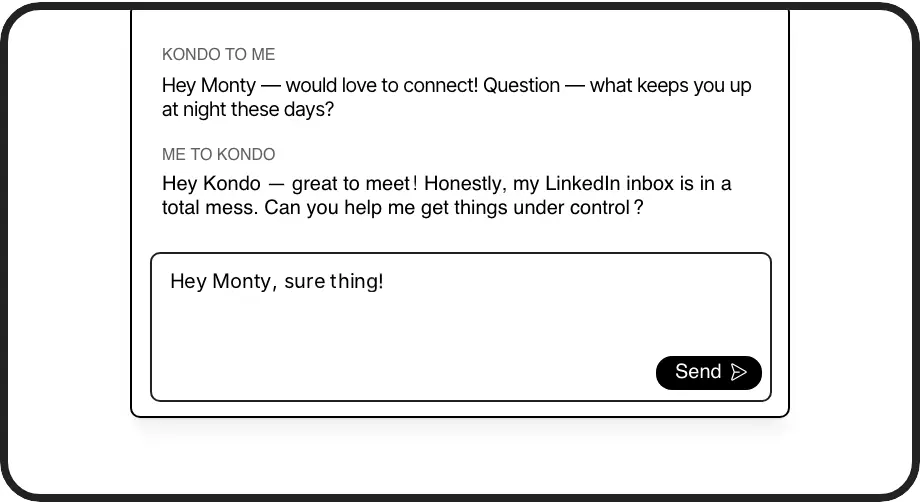
Smart Text Expansion
Create reusable message templates with variables like {firstName} that auto-fill, eliminating repetitive typing and ensuring consistent outreach.
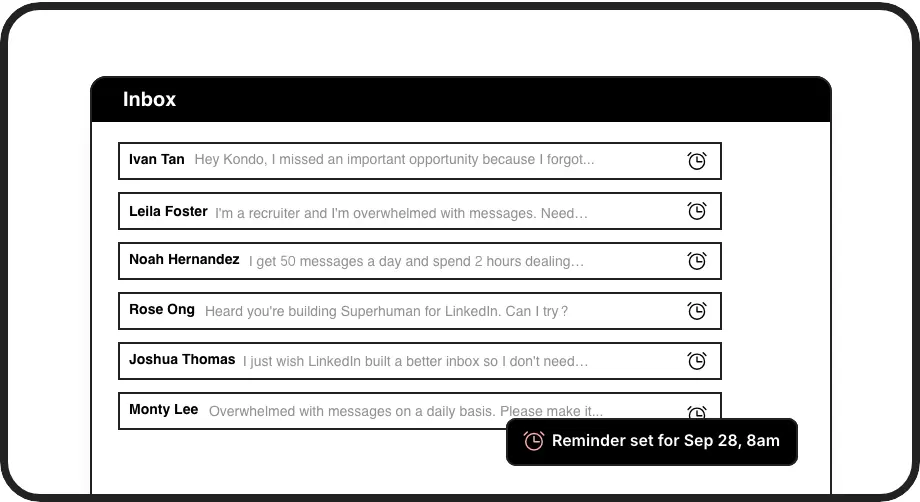
Follow-up Automation
Set reminders to bring important conversations back to the top of your inbox at the perfect time, ensuring no lead falls through the cracks.
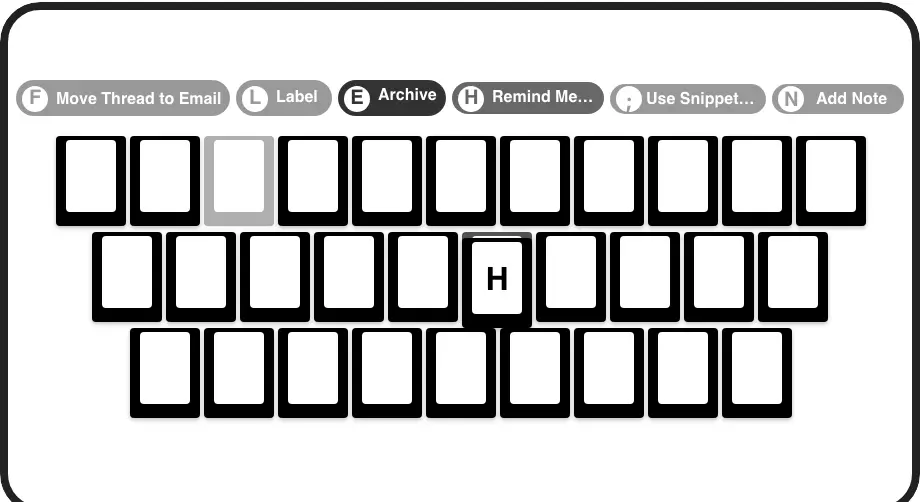
Speed-Focused Workflow
Navigate and manage your LinkedIn inbox with lightning-fast keyboard shortcuts for all common actions, dramatically reducing time spent on outreach.
LinkedIn left your inbox in 2000. Bring it into 2026.
Get the upgrade every power user's been waiting decades for.


Scale Outreach, Save Time, Close More Deals
70%
Less time messaging
3x
More leads contacted
100%
Message consistency
FAQs
How does Kondo's text expander work for LinkedIn messages?
Kondo's text expander feature lets you create reusable message templates called Snippets. Simply type ';' followed by your snippet name to instantly insert a saved message. You can include variables like {firstName} that automatically personalize your message for each recipient, saving time while maintaining a personal touch.
Can I personalize my LinkedIn message templates?
Yes, Kondo's Snippets feature supports variables like {firstName} that automatically insert the recipient's information. This allows you to create standardized templates that still feel personal to each recipient, balancing efficiency with the personalized touch needed for effective outreach.
Will Kondo work with my existing LinkedIn workflow?
Kondo seamlessly integrates with LinkedIn, enhancing its native messaging experience rather than replacing it. The app adds powerful features like Snippets (text expansion), reminders, labels, and keyboard shortcuts to your existing workflow, making you more productive without disrupting how you already use LinkedIn.
Is Kondo's text expander feature safe to use with LinkedIn?
Yes, Kondo is designed with safety as a priority. It operates as a native desktop app that doesn't scrape LinkedIn, inject code, or automate prohibited LinkedIn actions. The text expander and other features work within LinkedIn's terms of service, providing productivity benefits without risking your account.
Can I sync my LinkedIn messages with my CRM system?
Yes, Kondo's Business tier offers CRM & System Sync capabilities. This feature allows you to push LinkedIn conversation data to external systems like HubSpot, Salesforce (via Zapier/Make), Google Sheets, or Notion using webhooks or native integrations, eliminating manual data entry and ensuring your CRM stays updated.