
Find Every LinkedIn Connection You've Never Messaged
Kondo's "No messages yet" filter instantly surfaces every connection you haven't DM'd — so you can turn your dormant network into active pipeline.
POWERING THE BUSIEST LINKEDIN INBOXES AT
















Your network has leads you've never contacted
You have hundreds of LinkedIn connections who accepted your request and then heard nothing from you. They're warm, they're willing — and LinkedIn gives you zero way to find them.

Smart Filtering
One Filter to Find Them All
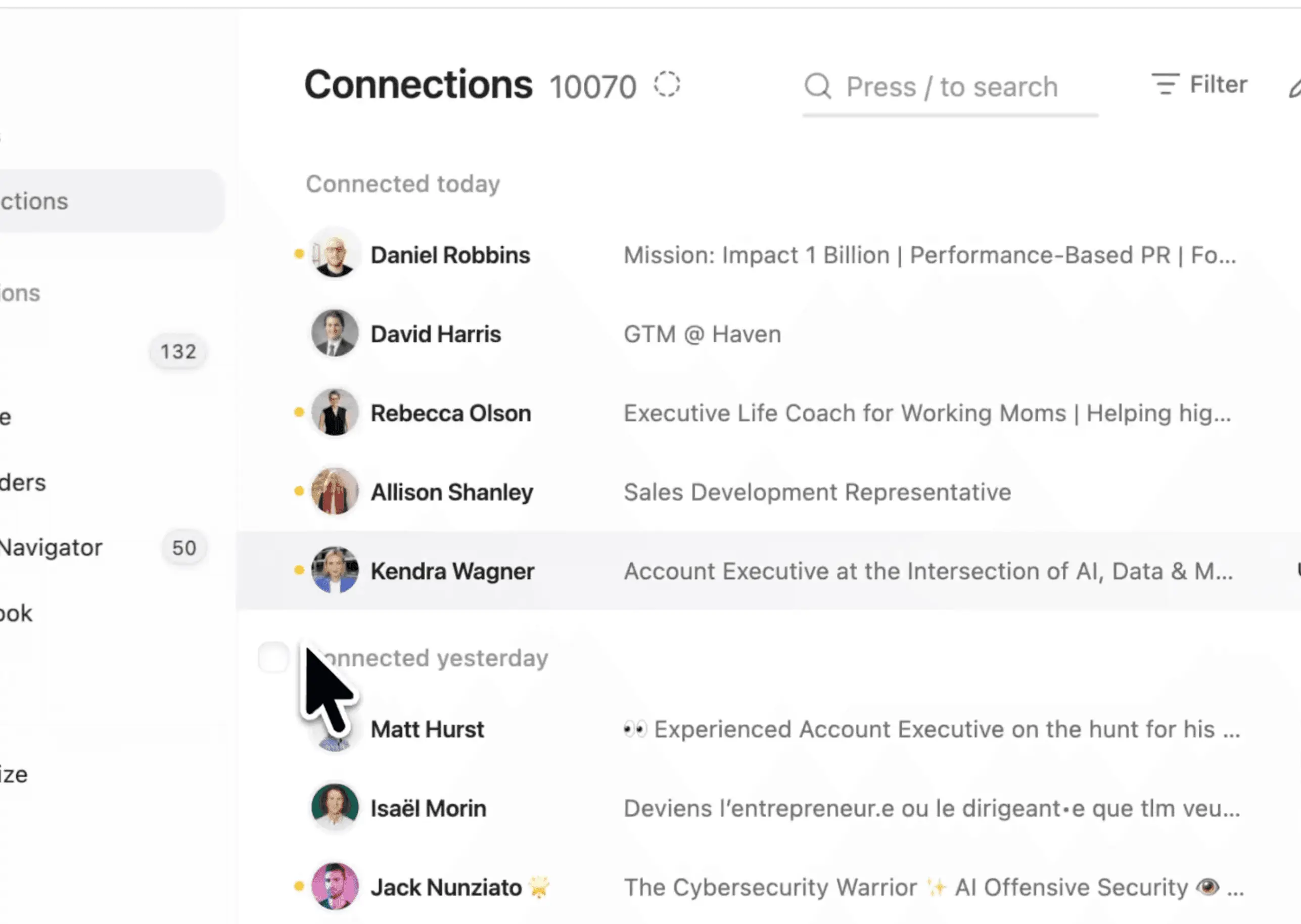
Instantly surface every connection you've never messaged, no matter how large your network is.
Systematic Outreach
Message Them One by One
Move through your unmessaged connections in order — send a message, then arrow to the next without breaking your rhythm.

Labels and Organization
Label Before You Reach Out
Tag your filtered list before sending a single message so you can track and follow up with every contact you've touched.
Get Kondo
What people say
FAQs
Can LinkedIn show me connections I haven't messaged?
Kondo is designed for focused, one-by-one outreach rather than bulk sending. You filter to unmessaged connections, then move through them with arrow keys — sending a personal message to each. This keeps your outreach genuine and avoids the spam that bulk-send tools create.
How does Kondo's unmessaged connections filter work?
Kondo is designed for focused, one-by-one outreach rather than bulk sending. You filter to unmessaged connections, then move through them with arrow keys — sending a personal message to each. This keeps your outreach genuine and avoids the spam that bulk-send tools create.
Can I message my unmessaged connections in bulk?
Kondo is designed for focused, one-by-one outreach rather than bulk sending. You filter to unmessaged connections, then move through them with arrow keys — sending a personal message to each. This keeps your outreach genuine and avoids the spam that bulk-send tools create.
Can I label connections before I start messaging them?
Kondo is designed for focused, one-by-one outreach rather than bulk sending. You filter to unmessaged connections, then move through them with arrow keys — sending a personal message to each. This keeps your outreach genuine and avoids the spam that bulk-send tools create.
Does Kondo work with keyboard shortcuts for connection outreach?
Kondo is designed for focused, one-by-one outreach rather than bulk sending. You filter to unmessaged connections, then move through them with arrow keys — sending a personal message to each. This keeps your outreach genuine and avoids the spam that bulk-send tools create.