Set Reminders on Your LinkedIn and WhatsApp Chats
Put a chat away until you need it. Kondo brings it back to the top of your inbox when it is due, or the moment they reply.
POWERING THE BUSIEST INBOXES AT
















Follow-ups live in your head
You read a message, mean to reply properly later, and it sinks. Neither LinkedIn nor WhatsApp brings it back, so following up depends on remembering who you promised and when.
Reminders
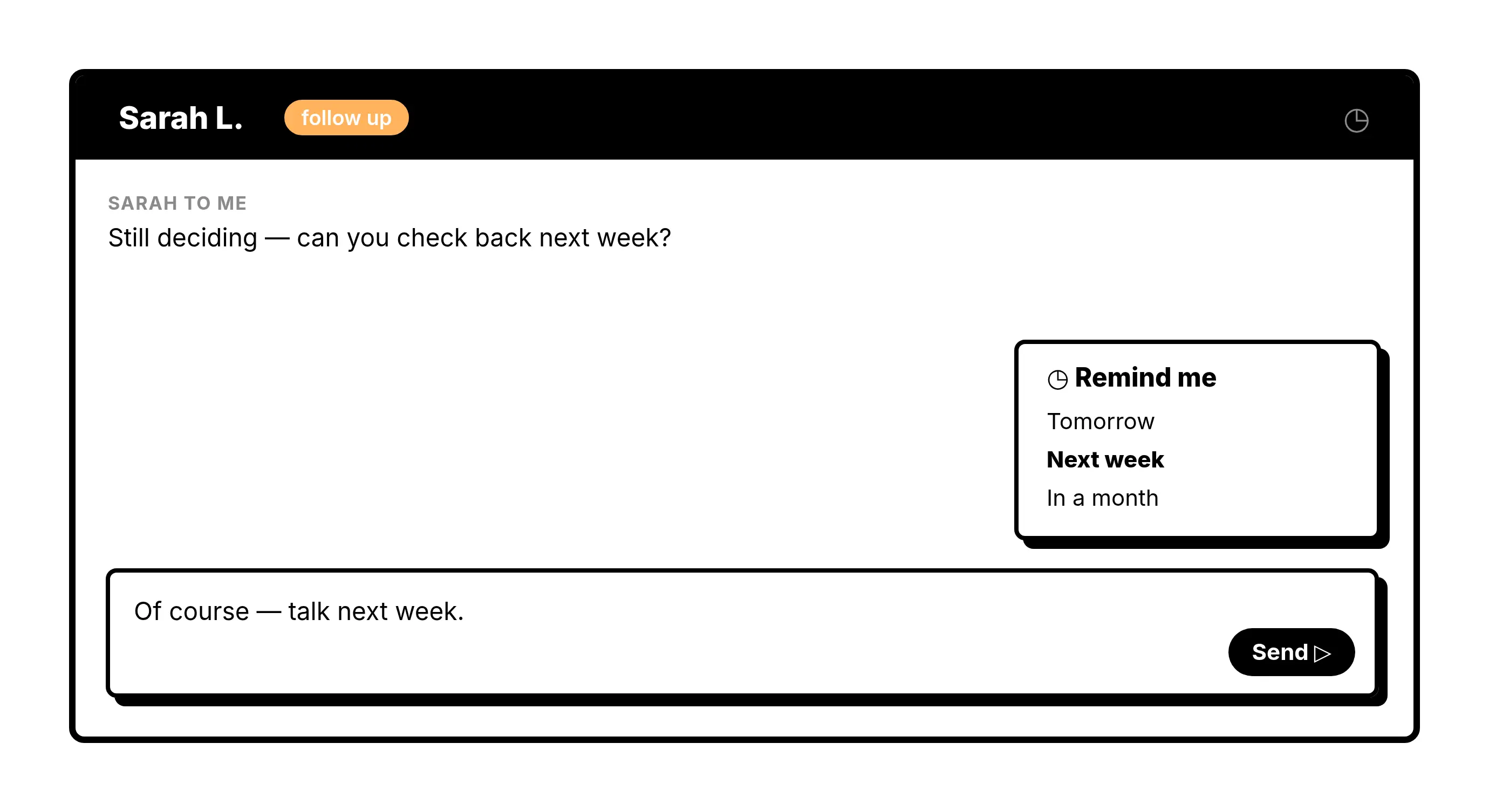
Bring a Chat Back When It Matters
Press H on any chat and pick a time. It leaves your inbox and returns to the top when the reminder is due.
Custom Times
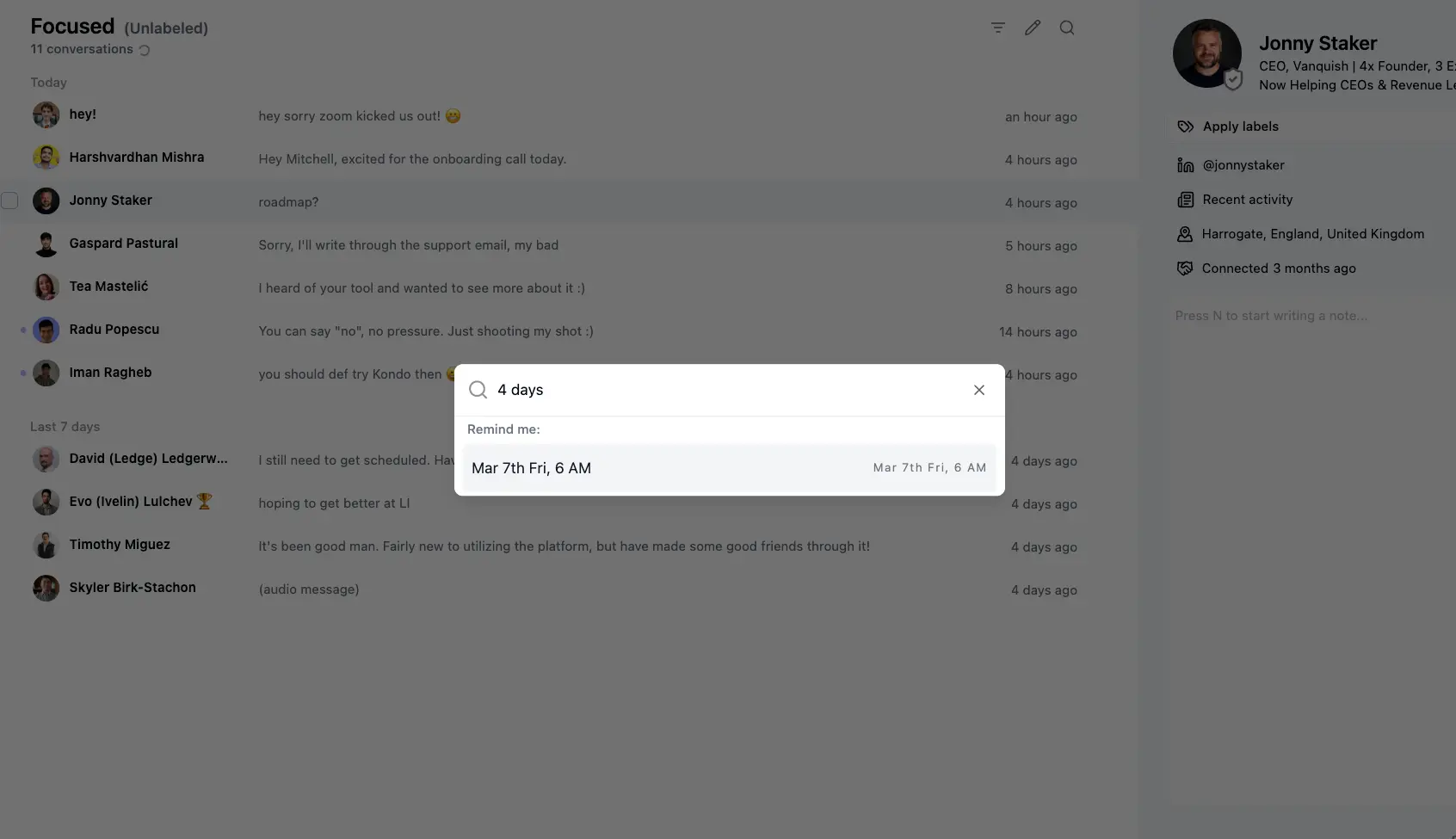
Pick Any Time in Plain Words
Choose a common time or type your own, like next wednesday, in 4 days or 2 pm. Kondo works out the date for you.
Reminders Inbox
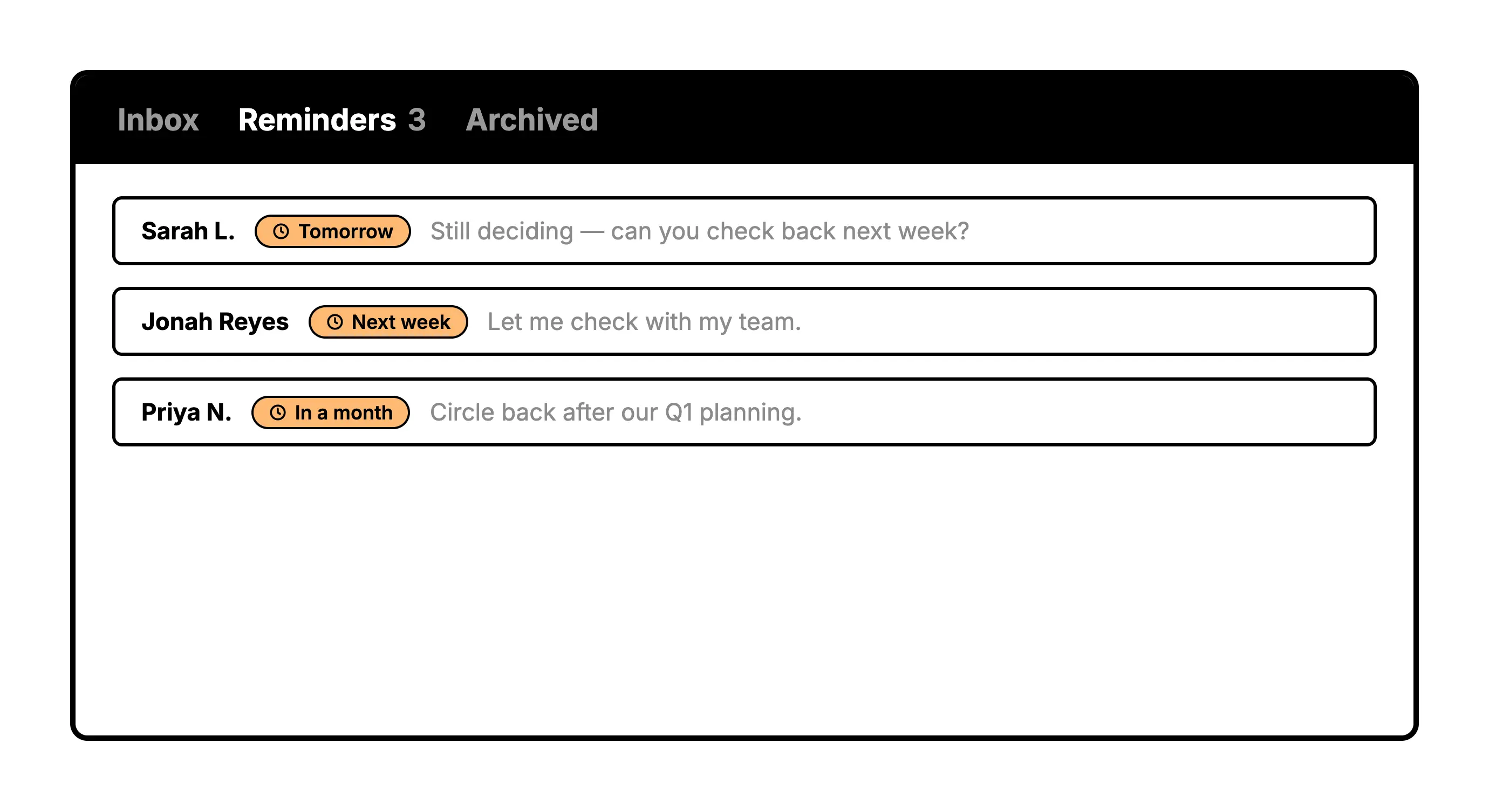
See Everything That Is Coming Back
Chats with a reminder wait in the Reminders inbox, so you can see what is due next. If they reply first, the reminder clears itself and the chat jumps back into your inbox.
Get Kondo
What people say
FAQs
How do reminders work in Kondo?
Press H on a chat, or use Cmd + K > Remind Me, and pick a time. The chat leaves your inbox and comes back to the top when the reminder is due.
What happens if someone replies before the reminder is due?
The reminder is cancelled and the chat returns to your inbox right away, so you never sit on a reply.
Do reminders work on LinkedIn and WhatsApp?
Yes. On LinkedIn, Kondo also moves the chat to LinkedIn's own archive and brings it back when the reminder is due, though it won't sort to the top of LinkedIn's native inbox. On WhatsApp, chats with a reminder sit in the Reminders inbox in the sidebar, and Shift + H clears a reminder early.
Can Kondo send the follow-up for me?
No. Kondo brings the chat back so you can reply yourself. It never sends messages for you.