
Keyboard Shortcuts for Sales Navigator Inbox
Process leads at lightning speed with Kondo's keyboard shortcuts for LinkedIn. No more missed opportunities.
What people say
Sales Navigator Chaos
Your most valuable leads are buried in a cluttered LinkedIn inbox, costing you time and opportunities.
Drowning in Messages
Critical leads get buried under notifications and low-priority chats, resulting in missed sales opportunities.
Slow Response Times
Manual navigation slows down your workflow, delaying responses to hot prospects and damaging conversion rates.
Lost Follow-ups
Without a structured system, important follow-ups fall through the cracks, leaving money on the table.
Sales Navigator Shortcuts That Save Hours
Kondo transforms your LinkedIn inbox with keyboard shortcuts that help you process leads faster and never miss follow-ups.
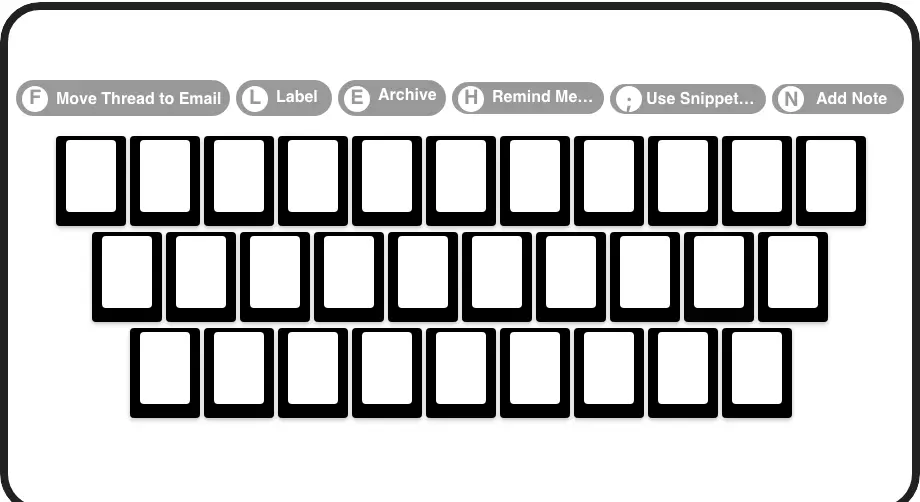
Speed Through DMs
Navigate (J/K), archive (E), set reminders (H), and apply labels (L) with single keypresses. Process twice the leads in half the time.
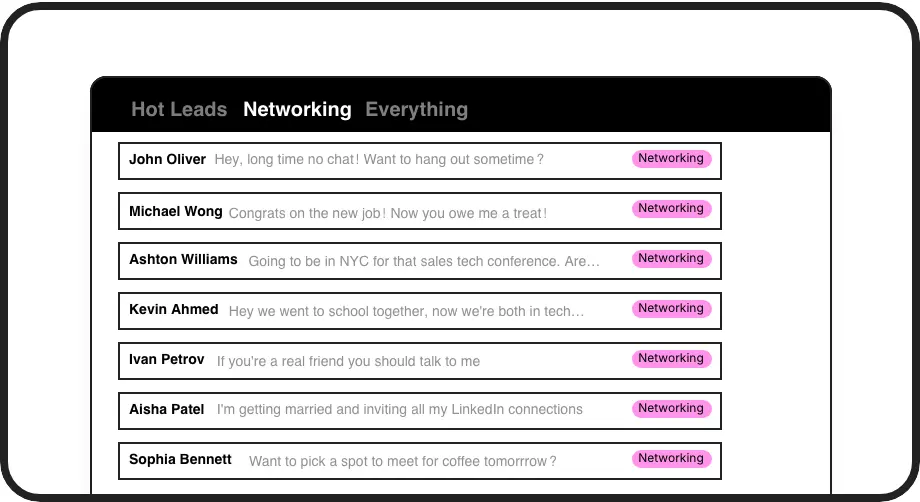
Prioritize Hot Leads
Apply custom labels (L) to sort conversations into separate inboxes. Instantly identify and focus on your most valuable prospects.
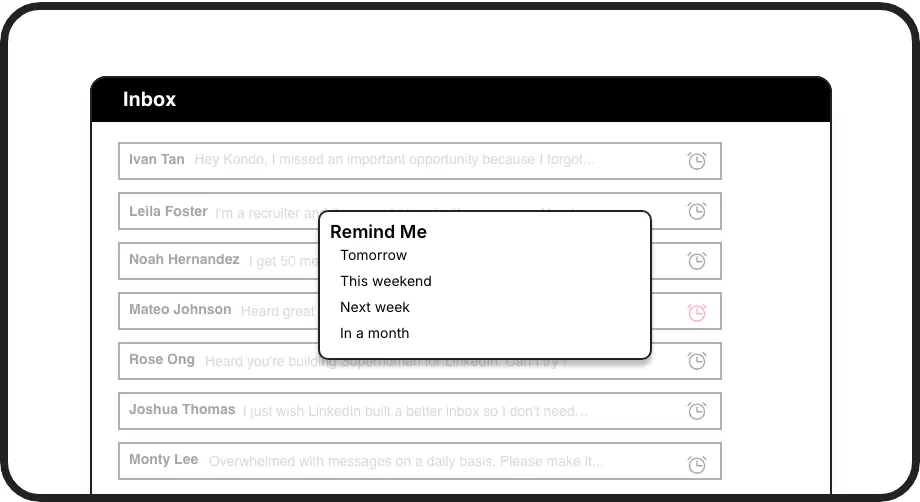
Never Miss Follow-ups
Snooze conversations (H) to reappear at exactly the right time. Set custom reminders that bring important leads back to the top of your inbox.
LinkedIn left your inbox in 2000. Bring it into 2026.
Get the upgrade every power user's been waiting decades for.


Speed Up. Prioritize. Convert More.
80%
Faster Inbox Processing
Zero
Missed Follow-ups
5hrs
Saved Weekly
FAQs
What keyboard shortcuts does Kondo offer for Sales Navigator?
Kondo offers a comprehensive set of keyboard shortcuts including J/K for navigation, E for archiving messages, H for setting reminders, L for applying labels, I for opening profiles, P for opening posts, and Cmd/Ctrl+K for the command palette. These shortcuts help you process your Sales Navigator inbox with Superhuman-like speed.
How does Kondo's labeling system work with Sales Navigator?
With Kondo, you can create custom labels (e.g., Hot Lead, Nurturing, Client) and apply them to conversations using the L shortcut. Your messages are then organized into separate, prioritized inboxes, making it easy to focus on your highest-value prospects first and ensure no important lead gets lost in the clutter.
Can I set follow-up reminders in Sales Navigator with Kondo?
Yes, Kondo's reminder feature (accessed with the H shortcut) lets you temporarily archive conversations and set them to reappear at the top of your inbox at a specified time. You can choose preset times or custom dates, ensuring you never forget to follow up with important leads at the right moment.
Does Kondo integrate with CRM systems?
Yes, Kondo's Business tier offers CRM integration. You can sync your LinkedIn conversations to systems like HubSpot, Salesforce (via Zapier/Make), Google Sheets, Notion, and others. This ensures your LinkedIn activity is automatically logged in your CRM without manual data entry.
Is Kondo safe to use with my LinkedIn account?
Yes, Kondo is designed with safety as a priority. It's a native desktop app that doesn't scrape LinkedIn, inject code, or automate prohibited LinkedIn actions. Kondo works alongside LinkedIn's native functionality to enhance your experience while respecting LinkedIn's terms of service.