
Shortcuts for LinkedIn DMs: Manage Leads 3x Faster
Use keyboard commands to archive, snooze, and label messages - stop losing hot leads in a cluttered inbox.
What people say
LinkedIn DM Overwhelm
Your LinkedIn inbox shouldn't be where opportunities go to die.
Lost in the Clutter
Critical lead messages buried under notifications and low-priority chats, causing missed opportunities and revenue loss.
Manual Inbox Management
Slow, click-heavy workflow forces you to spend hours sorting through messages instead of closing deals.
Follow-up Failures
No systematic way to remember when to follow up with prospects, leading to dropped conversations and lost deals.
Speed Through Your LinkedIn Inbox with Keyboard Shortcuts
Process more messages in less time with Superhuman-like efficiency for your LinkedIn inbox.
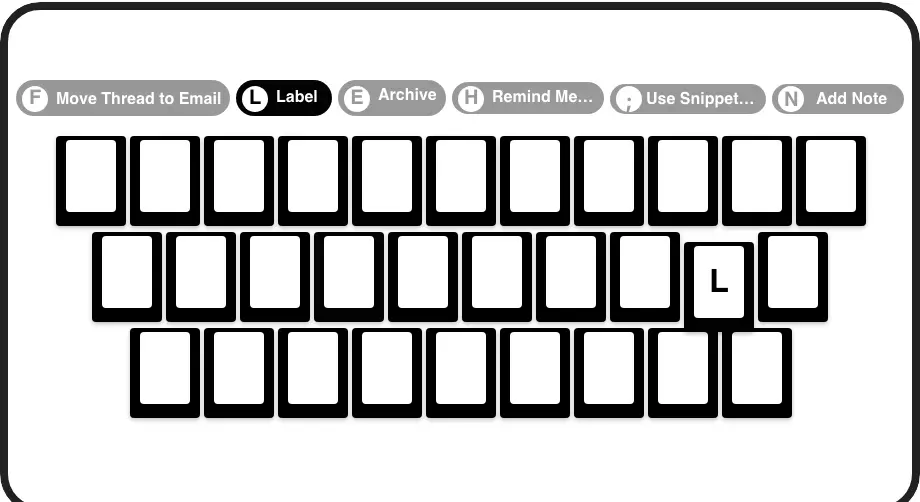
Lightning-Fast Shortcuts
Navigate (J/K), archive (E), set reminders (H), and label (L) messages with single keystrokes. Process your inbox at 3x speed without touching your mouse.
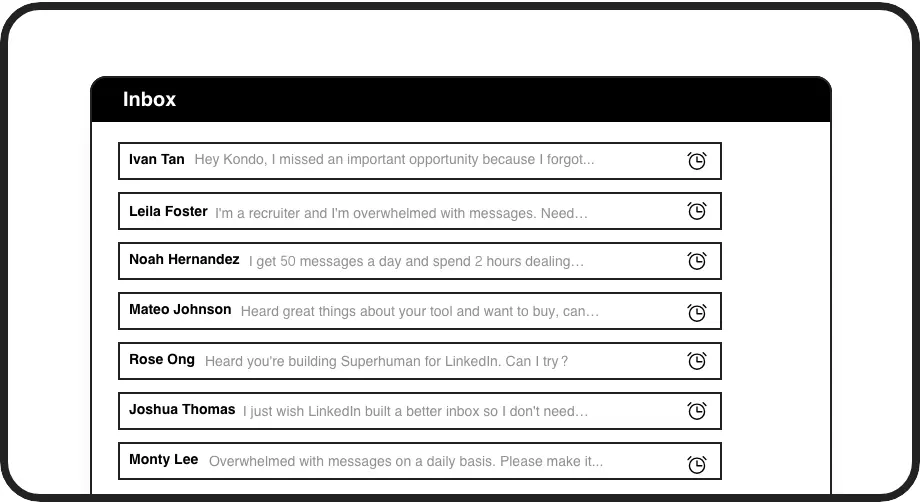
Instant Reminders
Hit 'H' to snooze conversations and have them return to your inbox exactly when needed. Never forget to follow up with important leads again.
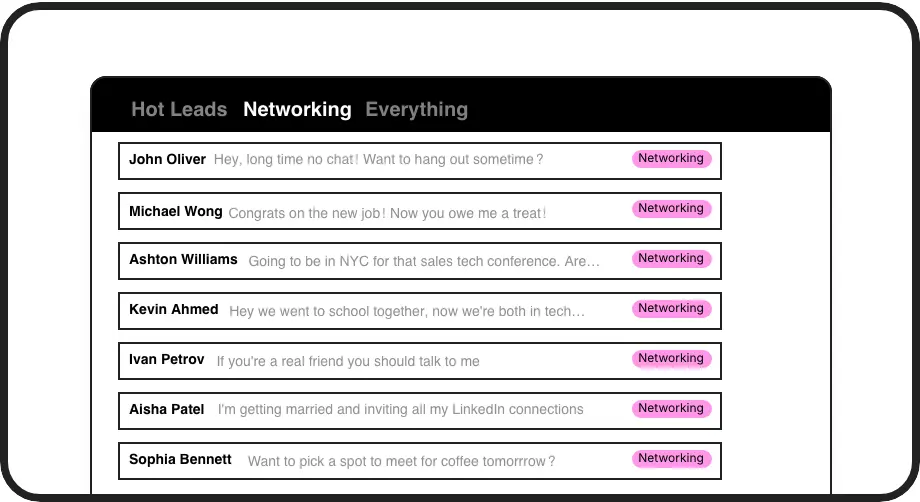
Quick Message Labels
Press 'L' to instantly categorize conversations as 'Hot Lead', 'Client', or 'Candidate' and view them in separate inboxes for focused follow-up.
LinkedIn left your inbox in 2000. Bring it into 2026.
Get the upgrade every power user's been waiting decades for.


Speed Up. Organize. Never Miss Out.
75%
less inbox time
3x
faster message processing
Zero
missed opportunities
FAQs
What keyboard shortcuts does Kondo offer for LinkedIn DMs?
Kondo provides numerous shortcuts including: J/K (navigate messages), E (archive), H (set reminder/snooze), L (apply label), I (open profile), P (open posts), ; (insert snippet), Cmd/Ctrl+K (command palette), and G then E (go to archive). These shortcuts dramatically speed up your LinkedIn messaging workflow.
How do the keyboard shortcuts help with lead management?
Keyboard shortcuts enable you to process leads faster by quickly labeling hot prospects (L), setting follow-up reminders (H), and archiving non-priority messages (E). This organization system ensures important leads don't get buried and you can focus on high-value conversations.
Is Kondo safe to use with my LinkedIn account?
Yes, Kondo is designed with security in mind. It's a native desktop app that doesn't scrape LinkedIn, inject code, or automate any activities prohibited by LinkedIn's terms of service. Your data and account remain secure.
Can I customize the keyboard shortcuts?
Kondo provides a standardized set of keyboard shortcuts optimized for LinkedIn inbox management. These shortcuts are designed to be intuitive and follow common patterns from productivity tools like Superhuman, allowing you to develop muscle memory quickly.
What other features complement the keyboard shortcuts?
Alongside keyboard shortcuts, Kondo offers message snippets for quick replies (triggered with ';'), labels and split inboxes for organization, reminder functionality for follow-ups, and for Business tier users, CRM integration capabilities. All these features work together to create a comprehensive LinkedIn messaging solution.