
Share LinkedIn Messages with Colleagues via CRM Sync
Stop copy-pasting conversations. Kondo automatically syncs LinkedIn DMs to your CRM for complete team visibility.
What people say
LinkedIn Sharing Challenges
Sharing crucial LinkedIn conversations with your team shouldn't be a frustrating, time-consuming process.
Manual Copy-Paste
Tediously copying messages loses context and wastes valuable time you could spend on revenue-generating activities.
Lost Context
Important conversation details get lost when sharing manually, leading to miscommunication and missed opportunities.
No Team Visibility
Your colleagues can't access critical LinkedIn conversations, creating information silos and slowing team response.
Share LinkedIn Messages Seamlessly
Kondo transforms how your team collaborates on LinkedIn conversations with powerful features designed for efficiency and visibility.
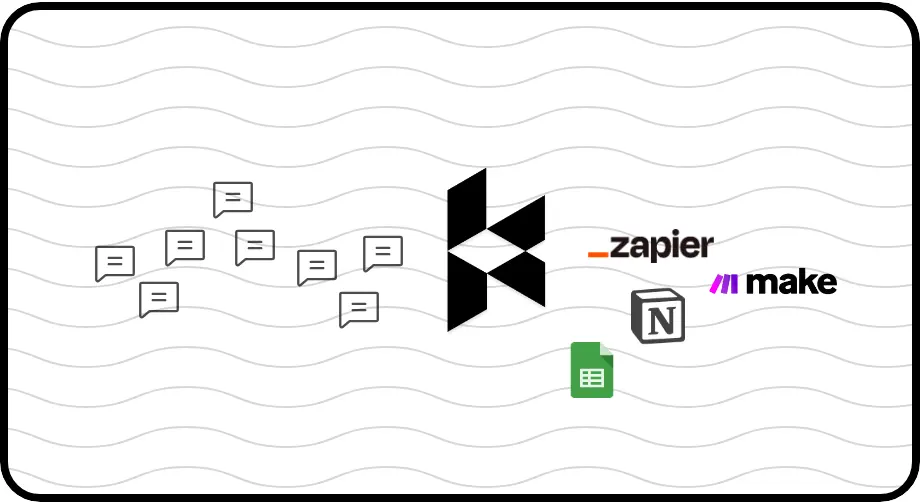
Automated CRM Sync
Push LinkedIn conversations directly to HubSpot, Salesforce, Notion, and more. Your team gets full visibility without manual data entry or copy-pasting.
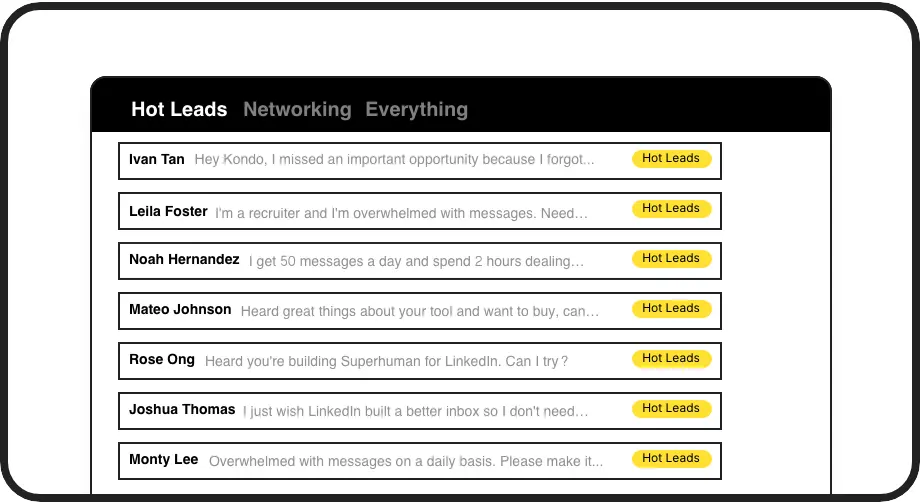
Organized Sharing
Label important conversations (e.g., 'Hot Lead', 'Client') and categorize them in split inboxes. Ensure critical messages are prioritized and easily findable by your team.

Team Follow-ups
Set reminders that bring conversations back to the top of your inbox at the perfect time. Never miss following up on a shared conversation again.
LinkedIn left your inbox in 2000. Bring it into 2026.
Get the upgrade every power user's been waiting decades for.


Share Smarter. Collaborate Faster. Close More.
100%
Conversation Context Preserved
5 hrs
Saved Weekly
Zero
Manual CRM Updates
FAQs
How does Kondo share LinkedIn messages with my colleagues?
Kondo syncs your LinkedIn conversations to your CRM system (like HubSpot, Salesforce via Zapier/Make, Notion, Google Sheets). When a message is synced, your entire team can see the conversation in your shared CRM, eliminating the need to copy-paste or manually share updates.
Which CRM systems can I sync my LinkedIn messages to?
Kondo integrates with popular CRMs including HubSpot and Salesforce (via Zapier/Make), as well as other systems like Notion, Google Sheets, Attio, and Clarify. You can use webhooks for custom integrations or leverage our native integrations for a seamless experience.
Can I control which LinkedIn messages get shared with my team?
Yes. You can use Kondo's labeling system to mark specific conversations for syncing, ensuring only relevant messages are shared. This helps maintain privacy while giving your team access to the conversations that matter for business continuity.
Is Kondo compliant with LinkedIn's terms of service?
Yes. Kondo is a native desktop app that does not scrape, inject code, or automate prohibited LinkedIn actions. We prioritize safety and compliance while enhancing your LinkedIn messaging experience.
Can I see when someone has viewed a shared LinkedIn message?
While Kondo doesn't track who views messages in your CRM, your CRM system may have its own activity tracking features. Kondo focuses on ensuring the conversations are properly synced and organized, giving your team the context they need.