
Message All 1st Degree LinkedIn Connections Efficiently
Filter, find, and message connections with no message history for targeted outreach campaigns without manual work.
What people say
LinkedIn Messaging Challenges
Reaching out to LinkedIn connections is inefficient, cluttered, and risky without proper tools.
Lost Opportunities
Important connections get buried in your cluttered inbox, leading to missed outreach opportunities and lost potential deals.
Time-Consuming Process
Manually filtering connections to find those without message history wastes hours that could be spent on meaningful conversations.
Disorganized Follow-ups
Without a system to track who you've messaged, follow-ups fall through the cracks and valuable connections go cold.
Reach Your LinkedIn Network Efficiently
Kondo transforms your LinkedIn messaging experience with powerful tools to filter, organize, and engage with your connections.
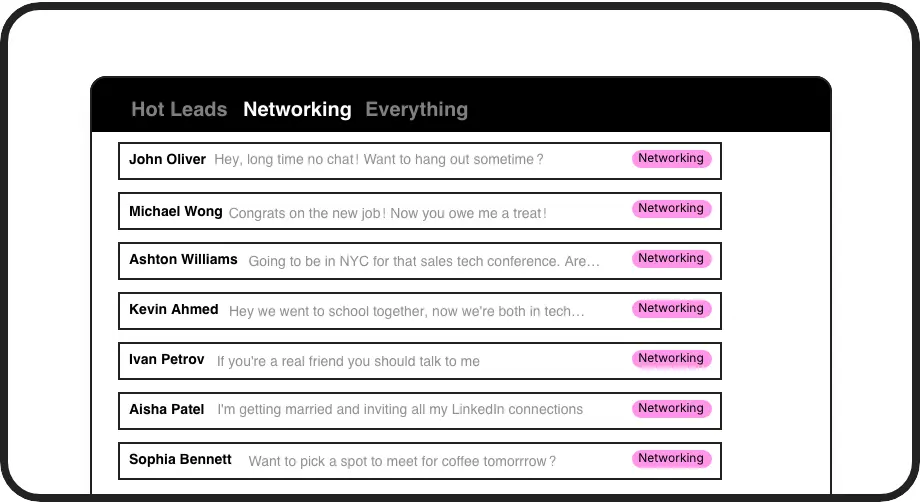
Filter Connections
Easily find connections with no message history to start fresh conversations. Search by name, company, job title, or location to target specific segments of your network.
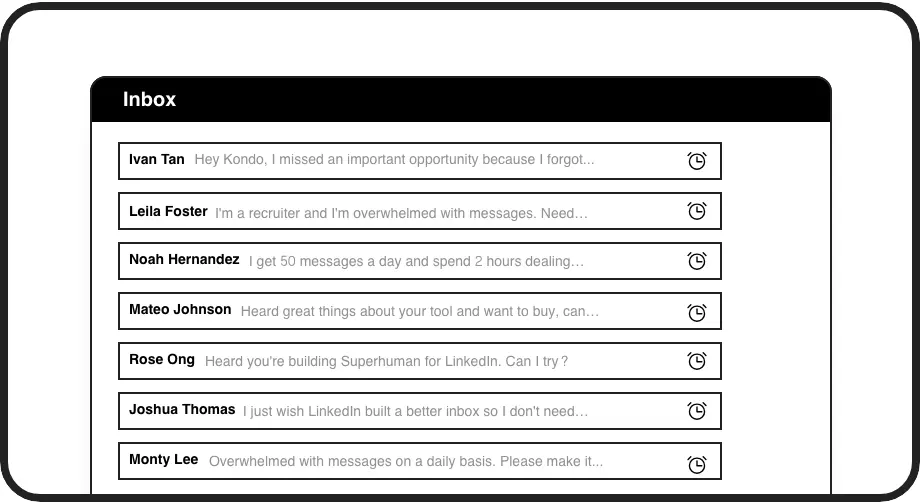
Scheduled Follow-ups
Set reminders to follow up with connections at the perfect time. Messages reappear at the top of your inbox when due, ensuring no opportunity slips through the cracks.
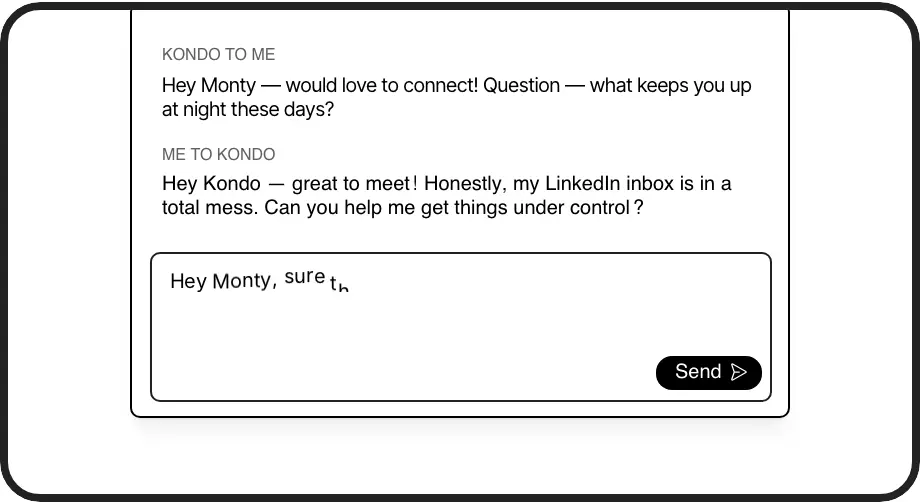
Message Templates
Create reusable message templates with variables like {firstName} for personalized outreach at scale. Save time while maintaining an authentic connection with every contact.
LinkedIn left your inbox in 2000. Bring it into 2026.
Get the upgrade every power user's been waiting decades for.


Scale Outreach, Save Time, See Results
3x
Faster Outreach
100%
Connection Coverage
5hrs
Saved Weekly
FAQs
How does Kondo help me message my 1st degree LinkedIn connections?
Kondo allows you to filter your LinkedIn connections to find those you haven't messaged yet, making it easy to start fresh conversations. You can search by keywords like name, company, job title, or location to target specific segments of your network for more relevant outreach.
Can I send personalized messages to multiple connections at once?
While Kondo doesn't send automatic bulk messages (which violates LinkedIn's terms), it dramatically speeds up the process of sending personalized messages to multiple connections. Using snippets with variables like {firstName}, you can quickly customize messages for each connection while maintaining a personal touch.
Is Kondo compliant with LinkedIn's terms of service?
Yes, Kondo is fully compliant with LinkedIn's terms. It's a native desktop app that doesn't scrape, inject code, or automate prohibited LinkedIn actions. It enhances your inbox experience while respecting LinkedIn's guidelines.
How does the connection filtering work?
Kondo's Connections tab shows all your 1st degree LinkedIn connections. You can filter to see only connections with no message history or search using keywords that fuzzy search the entire LinkedIn profile. You can combine multiple keywords with spaces (e.g., "founders san francisco") to narrow your search.
Can I track my outreach performance with Kondo?
Yes, Kondo helps you stay organized with labels and reminders. You can label conversations by campaign or response status, set follow-up reminders, and even sync conversation data to your CRM system with the Business tier, giving you full visibility into your outreach performance.