
Turn LinkedIn into a Lightweight ATS with Kondo
Label candidates, set reminders, and sync LinkedIn DMs to your CRM – all without leaving your inbox.
What people say
Recruiting Inbox Chaos
LinkedIn's native inbox makes it easy to lose track of promising candidates and conversations.
Disorganized Candidates
Without proper labeling, candidate conversations get buried under networking messages and sales outreach.
Missed Follow-ups
Promising candidates slip through the cracks when you can't set reminders for timely responses.
Manual CRM Updates
Copy-pasting LinkedIn conversations to your ATS wastes hours and creates inconsistent candidate records.
A Lightweight ATS Inside LinkedIn
Kondo transforms your LinkedIn inbox into a powerful but simple applicant tracking system – no complex software required.
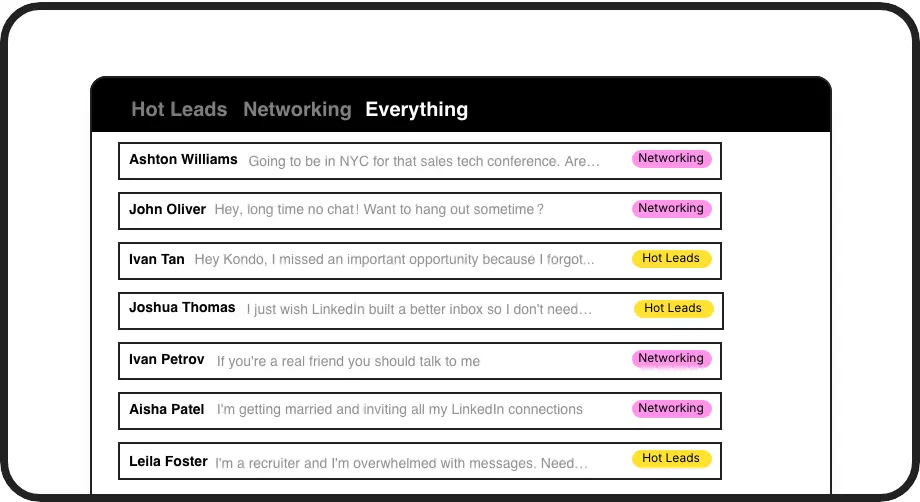
Candidate Labels
Tag conversations by role, stage, or status. Create dedicated inboxes for each position to instantly find the right candidates when needed.
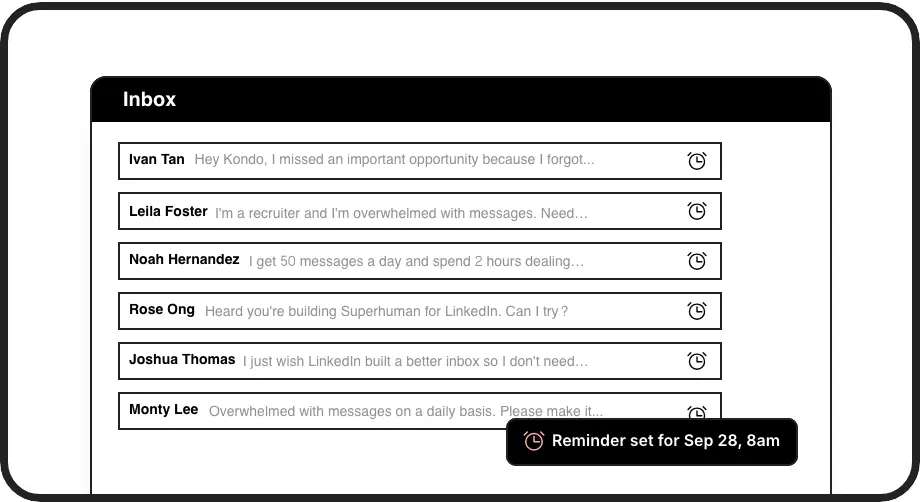
Follow-up Reminders
Set candidate follow-ups that resurface at the perfect time. Never forget to check in with promising talent or send that interview schedule.
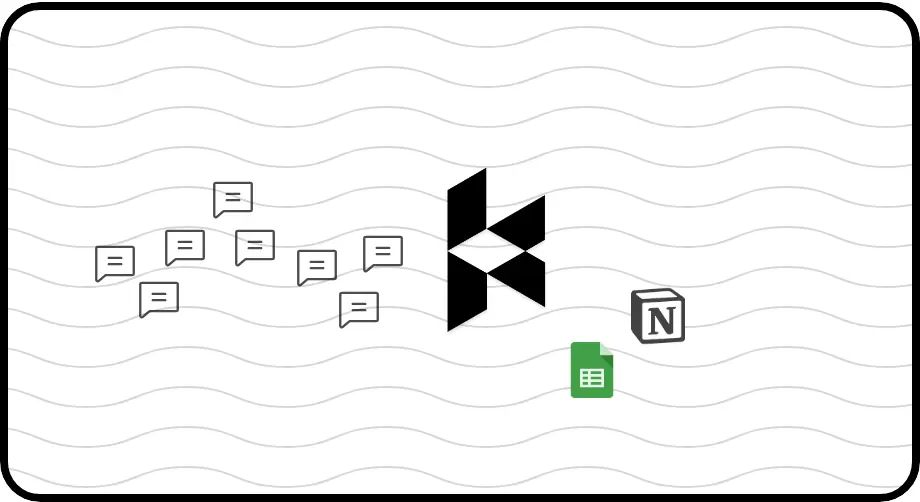
ATS Integration
Automatically sync LinkedIn conversations to your existing ATS or CRM. Connect with HubSpot, Notion, Google Sheets and more to eliminate manual data entry.
LinkedIn left your inbox in 2000. Bring it into 2026.
Get the upgrade every power user's been waiting decades for.


Recruit Faster, Simpler, Smarter
70%
Less candidate tracking time
Zero
Missed follow-ups
5+ hours
Saved weekly
FAQs
Is Kondo a complete ATS replacement?
Kondo is designed as a lightweight ATS that lives inside LinkedIn, perfect for small teams or individual recruiters. While it provides essential candidate tracking features (labels, reminders, and CRM sync), it's most powerful when used to enhance your LinkedIn workflow rather than replacing enterprise-level ATS systems.
How does Kondo integrate with my existing ATS?
Kondo's Business tier offers webhook support and integrations with popular systems like HubSpot, Notion, and Google Sheets via native connections or through Zapier/Make. You can configure sync triggers to be manual or automatic, and choose to sync just the latest message or entire conversation histories.
Is Kondo safe to use with my LinkedIn account?
Yes, Kondo is completely safe. It's a native desktop application that doesn't scrape LinkedIn data, inject code, or automate actions that would violate LinkedIn's terms of service. Kondo simply enhances the LinkedIn messaging experience with productivity features.
How does the candidate labeling system work?
Kondo lets you create custom labels (like 'Frontend Developer' or 'Interview Stage') and apply them to conversations with a simple keyboard shortcut (L). You can then view dedicated inboxes for each label, customize label colors/icons, and even apply multiple labels to create hierarchical groups (e.g., 'Developer > Senior').
Can I track candidate conversations across my team?
While Kondo is primarily designed for individual users, the Business tier's CRM sync capabilities allow you to push LinkedIn conversation data to shared systems like HubSpot or Notion. This creates visibility into candidate interactions across your team without everyone needing direct access to the same inbox.