
LinkedIn Inbox Shortcuts for Lightning-Fast DMs
Process LinkedIn messages 2x faster with keyboard shortcuts for archiving, labeling, and snoozing. Never miss important leads or candidates again while slashing hours from your workflow.
What people say
Drowning in LinkedIn Messages?
The native LinkedIn inbox makes it easy to miss opportunities and waste precious time.
Missed Opportunities
Important messages get buried under notifications and spam, causing you to miss hot leads and urgent requests.
Inefficient Workflow
Endless clicking and scrolling through your LinkedIn inbox wastes hours every week with no way to prioritize.
Disorganized Chaos
LinkedIn's native inbox lacks organization tools, making it impossible to categorize or track important conversations.
Fly Through Your LinkedIn Inbox With Shortcuts
Kondo transforms your cluttered LinkedIn inbox into a streamlined productivity machine with powerful shortcuts that save hours every week.
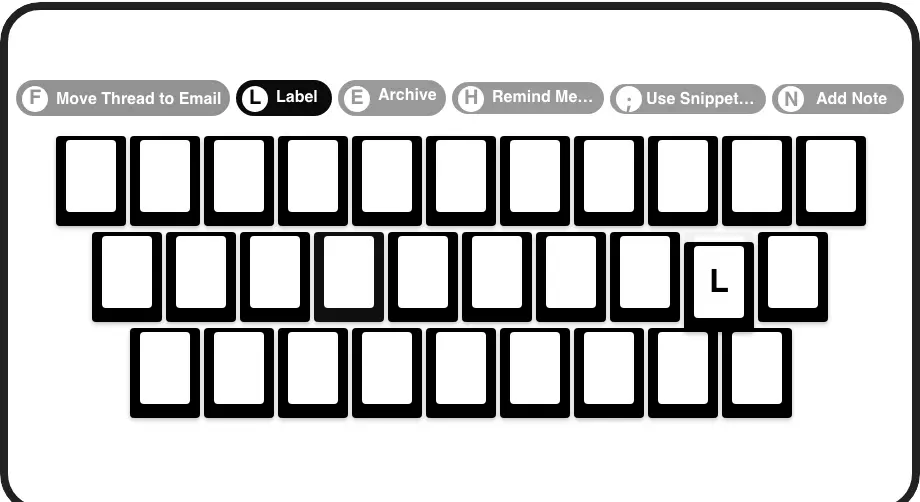
Lightning-Fast Shortcuts
Navigate, archive (E), snooze (H), and label (L) messages with a single keypress. Process your entire inbox without ever touching your mouse.
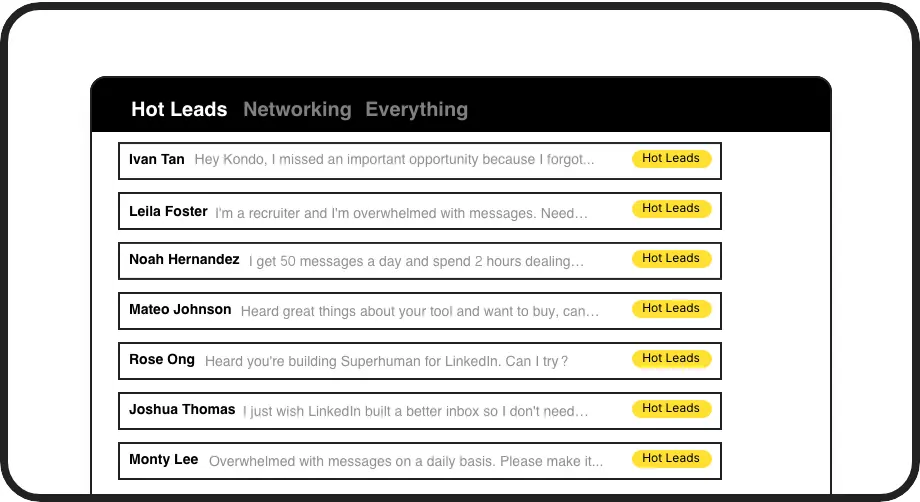
Smart Message Labels
Categorize conversations with custom labels like 'Hot Lead' or 'Candidate' and view them in separate inboxes. Never lose an important message in the clutter again.
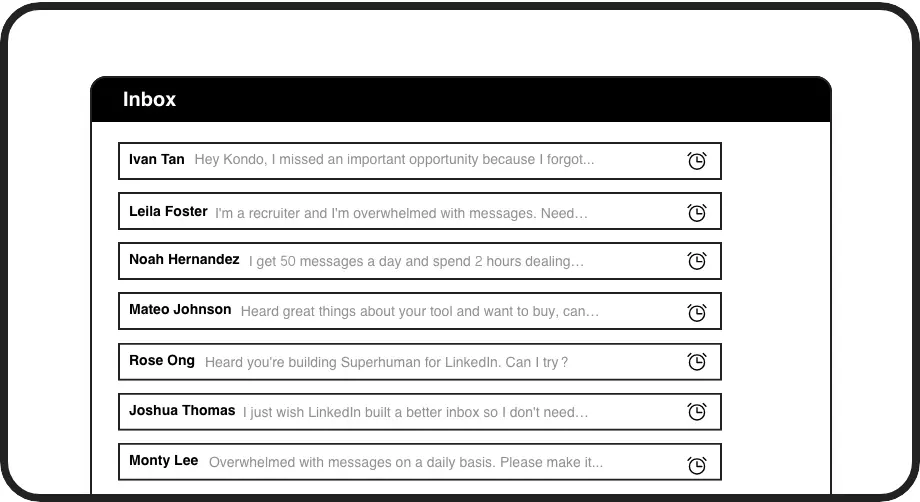
Inbox Reminders
Snooze messages to reappear at the top of your inbox when it's time to follow up. Set with a simple 'H' shortcut and never forget an important conversation.
LinkedIn left your inbox in 2000. Bring it into 2026.
Get the upgrade every power user's been waiting decades for.


Speed Up. Organize. Convert More.
75%
Faster Message Processing
5hrs
Saved Weekly
Zero
Missed Opportunities
FAQs
What LinkedIn inbox shortcuts does Kondo offer?
Kondo provides powerful keyboard shortcuts including E (Archive), H (Remind/Snooze), L (Label), J/K (Navigate), I (Open Profile), P (Open Posts), ; (Insert Snippet), Cmd/Ctrl+K (Command Palette), and G then E (Go to Archive). These shortcuts let you process your LinkedIn inbox without touching your mouse.
Does Kondo work with Sales Navigator?
Yes! Kondo combines your regular LinkedIn inbox with your Sales Navigator inbox into a single unified view. This eliminates the need to switch between two separate inboxes and streamlines your workflow. This feature is available on the Business plan.
Is Kondo safe to use with my LinkedIn account?
Absolutely. Kondo is a native desktop app that doesn't scrape LinkedIn, inject code, or automate prohibited LinkedIn actions. It works alongside LinkedIn to enhance your experience without violating any terms of service.
Can Kondo integrate with my CRM system?
Yes, Kondo's Business tier offers CRM & System Sync capabilities. You can push LinkedIn conversation data to external systems like HubSpot, Salesforce (via Zapier/Make), Google Sheets, Notion, Attio, Clarify and more using webhooks or native integrations.
How do keyboard shortcuts help manage LinkedIn messages?
Keyboard shortcuts dramatically speed up your workflow by eliminating the need for mouse clicks. With Kondo, you can quickly archive messages with 'E', set reminders with 'H', apply labels with 'L', and navigate your inbox with 'J/K'. This enables you to process your LinkedIn messages up to 75% faster.