Best LinkedIn InMail Management Tools for Sales Teams
Published On October 15, 2026
Summary
- LinkedIn's native inbox buries high-value InMail replies alongside connection requests, spam and notifications. It provides no labels, prioritization or snooze options to structure them.
- Sales teams report spending 30 minutes a day on manual CRM logging alone, while promising follow-ups expire unnoticed.
- The deciding factor is risk tolerance: inbox and contact-management tools carry the lowest risk, while automation platforms can cost a business its connection graph, post reach and every active conversation.
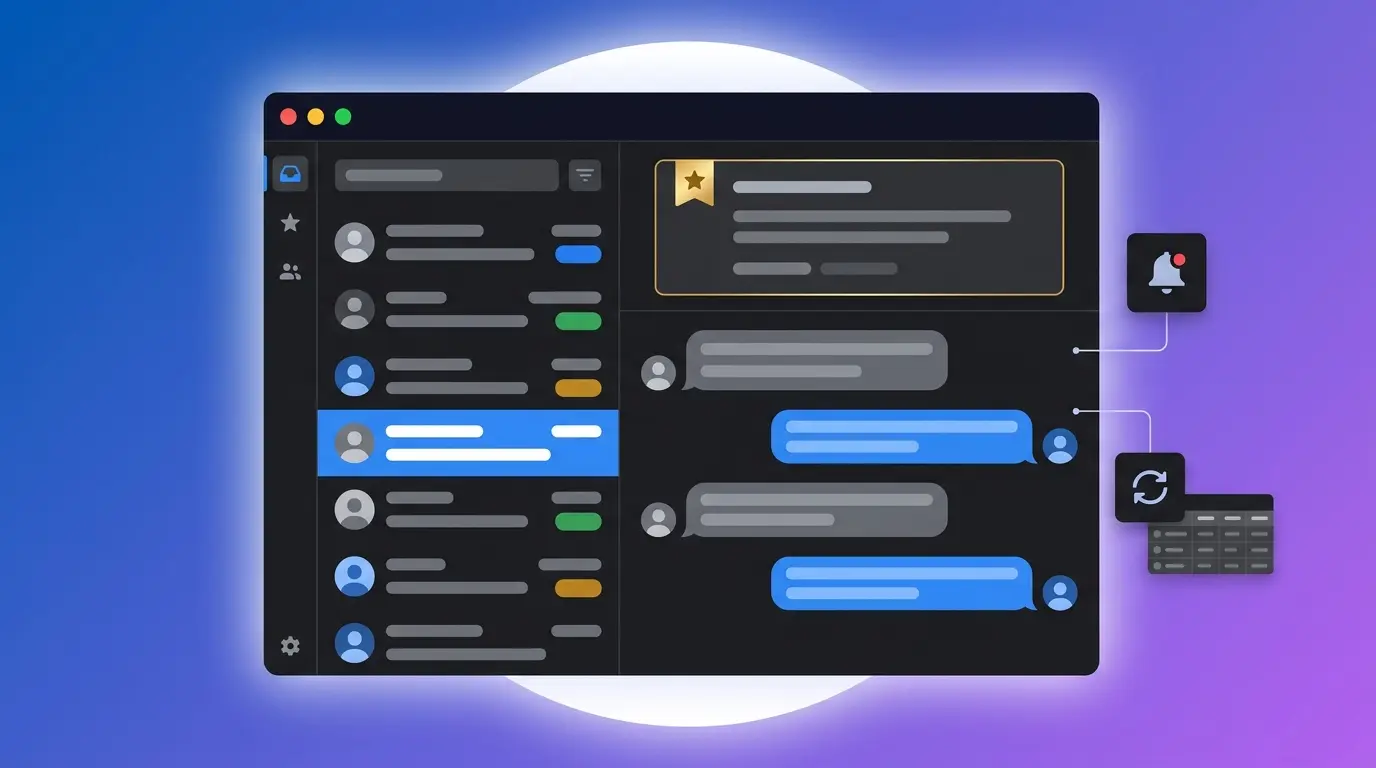
- For teams that require inbox triage, follow-up reminders and CRM sync without automation risk, Kondo provides labels, split inboxes and snooze reminders that keep every reply in human hands.
LinkedIn's native inbox was engineered for casual messaging. InMail replies from qualified leads land alongside connection requests, spam and notifications, with no way to label, prioritize or snooze them. Sales teams operating at volume report spending 30 minutes a day on manual CRM logging alone, and representatives regularly fail to follow up on conversations that never resurface. With 89% of B2B marketers using LinkedIn for lead generation, that disorganized inbox is where revenue opportunities are won or lost.
The tools in this list address that problem, but they do not all address it in the same way. Some are inbox productivity layers that help professionals triage and respond faster. Others are outreach automation platforms that prioritize volume. The distinction matters because LinkedIn's User Agreement explicitly prohibits unauthorized automation, and LinkedIn's 2026 transparency report shows that 97.8% of fake accounts removed were caught by automated systems. A ban is not a temporary setback. It means the permanent loss of the connection graph, post reach and every conversation currently in progress.
How These Tools Were Evaluated
Each tool is assessed against five criteria:
- Account safety: Whether the tool automates on-platform actions, or follows a human-in-the-loop model in which a person performs every LinkedIn action.
- Inbox organization: Whether teams can label, filter and triage conversations into structured views.
- CRM sync: Whether the tool eliminates manual data entry into HubSpot, Salesforce or comparable systems.
- Follow-up reminders: Whether it replaces spreadsheet tracking with a formal snooze or reminder system.
- Team features: Whether the tool scales across multiple accounts or shared inboxes.
Every tool is categorized by risk. Manual usage and contact management tools carry the lowest risk. Campaign automation platforms that simulate on-platform engagement at scale carry the highest.
1. Kondo
Best for: Sales teams, recruiters and founders who require professional inbox triage, follow-up reminders and CRM integration without automation risk.
Kondo is a LinkedIn InMail management tool engineered around the human-in-the-loop principle. It organizes, prioritizes and surfaces conversations, but every reply is sent by the user.
Inbox organization: Kondo's Labels and Split Inboxes allow teams to categorize conversations with custom tags and view them in dedicated, prioritized inboxes. High-value InMails no longer compete with noise for attention. Keyboard shortcuts allow users to archive, label, snooze and open profiles without touching a mouse, significantly reducing the time spent processing the inbox.
Follow-up reminders: The Snooze feature removes a conversation from view and returns it to the top of the inbox at the scheduled follow-up time. This replaces spreadsheet trackers and external task tools for managing reply cadences.
CRM sync: The Business tier connects to HubSpot natively and to Salesforce, Google Sheets and Notion via Zapier, Make or webhooks. LinkedIn activity is logged automatically, ending the manual data entry cycle that costs sales representatives measurable time each day.
Additional features: Snippets allow users to save and reuse outreach templates with {firstName} variables. Voice notes can be sent directly from the desktop app, a feature LinkedIn restricts to mobile.
Kondo is the right choice for professionals managing high-quality conversations at a pace that demands organization and reliability, not volume automation.
2. Dripify
Best for: Sales teams that prioritize outbound volume and accept the account risks that accompany automation.
Dripify is a cloud-based automation platform that runs connection request sequences, drip campaigns and follow-up messages. It sits in the highest-risk category because it automates the on-platform actions LinkedIn's User Agreement prohibits.
Dripify addresses the inbox problem only partially. Its Pro tier ($59/user/month billed annually) includes a dedicated inbox and lead tagging, allowing teams to respond to leads inside the Dripify interface. The same tier adds HubSpot integration and webhooks for CRM sync.
Team features: Each seat maps to one LinkedIn account. For teams managing ten accounts, that means ten separate subscriptions.
Dripify is a volume-first tool. The inbox features are supplementary to its core automation function, and sales teams should weigh that trade-off against account risk before committing — see our full Dripify review for the details.
3. Expandi
Best for: Power users and established sales teams running complex, large-scale automation campaigns.
Expandi is a cloud-based automation platform with a reputation in sales communities for deep campaign customization and advanced workflow logic. Like Dripify, it automates connection requests, follow-up sequences and drip campaigns, which places it in the high-risk category under LinkedIn's enforcement framework. The comparison between Expandi and Dripify illustrates that both platforms share this core architecture.
Where Expandi differentiates itself is campaign flexibility. Teams with complex branching logic, conditional steps and multi-touch sequences reach for it when simpler tools run out of configuration options.
Expandi solves the outbound scale problem. It does not solve the inbox organization problem. Teams that choose it should plan for a separate solution to manage the replies that campaigns generate. Read our Expandi review for the full risk breakdown.
4. HeyReach
Best for: Agencies and large sales teams managing outreach across many LinkedIn accounts from a single dashboard.
HeyReach is built around the multi-account use case. The per-seat pricing model that costs competing tools $590 or more per month for ten accounts is the specific problem HeyReach's agency plans are designed to solve.
The platform includes a unified inbox that consolidates conversations across all connected accounts, addressing one of the structural pain points of running team or agency outreach. It remains an automation platform, and carries the same account-safety caveats as Expandi and Dripify.
Pricing context: At the Agency tier, the per-sender cost compresses significantly compared to per-seat tools, making it the economically rational choice when the account count is high.
HeyReach is the right fit for the specific operational challenge of managing campaigns at agency scale. Teams not operating at that scale will not benefit from its primary value. See our HeyReach review for a detailed breakdown.
5. Ln2CRM
Best for: Solo SDRs or small teams whose primary problem is manual CRM data entry.
Ln2CRM is a Chrome extension that logs LinkedIn conversations directly into CRMs including HubSpot, Pipedrive, Zoho and Salesforce. Native LinkedIn-to-CRM sync is locked behind Sales Navigator Advanced Plus, which costs approximately $1,600 per seat per year. Ln2CRM provides a more accessible route for teams using CRMs with no native LinkedIn connection at all, such as Pipedrive and Copper.
It carries lower risk than automation platforms because it assists a human user rather than running unattended campaigns.
The limitation is scope. Ln2CRM does not offer inbox labels, snooze reminders, or split inbox views. Teams that need both CRM sync and inbox organization will need to combine it with another tool or upgrade to a solution like Kondo's Business tier.
Pricing: Free plan available. Base tier starts at $16 per user per month.
6. Folk
Best for: Founders, investors, and agencies whose work is relationship-driven rather than volume-driven.
Folk is a personal CRM with a native LinkedIn Chrome extension, making it the only CRM in this comparison with built-in LinkedIn enrichment. The workflow is CRM-centric: contacts are pulled from LinkedIn into Folk, and relationship history is tracked there. As analyzed in comparisons of LinkedIn CRM integrations, Folk positions itself specifically for agencies and founders conducting relationship sales.
The extension enriches contact data rather than automating outreach, placing it in the lower-risk category. It does not provide inbox organization features for LinkedIn itself.
Folk is the right choice when the primary need is a structured relationship management system with LinkedIn as the primary data source, not a faster way to process the LinkedIn inbox.
7. Gem
Best for: Recruiting and talent acquisition teams managing candidate pipelines.
Gem is purpose-built for recruiting workflows. It handles multi-channel outreach sequences across email and InMail, and replaces spreadsheet-based follow-up tracking with a centralized reminder system. As Leonar's overview of LinkedIn recruiter workflow tools notes, the principle applying to tools in this category is that the software can prepare, draft, organize and remind, but sending remains a human action.
That human-in-the-loop model places Gem in the lower-risk category. Its strength is the candidate pipeline view and the structured reminder system, which directly addresses the problem of promising candidates falling out of contact mid-process.
Gem validates the follow-up reminder use case that appears across all inbox management tools. For dedicated recruiting teams, it provides the specialist toolset the category requires.
Decision Matrix: Which Tool Fits Your Team
Use Case | Primary Need | Recommended Tool
Solo SDR or sales team | Inbox triage, follow-up reminders, CRM sync, account safety | Kondo
Recruiter or talent acquisition team | Candidate pipeline, follow-up reminders | Kondo; Gem for full recruiting CRM
Founder, investor, or relationship-based seller | Managing high-stakes DMs across a strategic network | Kondo; Folk for CRM-first workflows
Agency or team managing CRM data entry | Logging LinkedIn activity to CRM without Sales Navigator Advanced Plus | Ln2CRM
Growth team or agency prioritizing outbound volume | Multi-account campaign automation at scale | HeyReach
Sales team wanting drip campaigns with inbox features | Automated outbound with basic lead tagging | Dripify
Power user running complex automation campaigns | Advanced campaign logic and workflow customization | Expandi
The dividing line in this matrix is not just feature coverage. It is risk tolerance. Tools in the automation category carry a real possibility of account restriction or permanent loss of access. Tools in the inbox management and contact-management category do not automate LinkedIn actions and carry substantially lower risk.
What to Do Next
An unmanaged LinkedIn inbox is a liability with a measurable cost: missed follow-ups, stalled deals and hours lost to manual CRM updates each week. The right approach to managing your LinkedIn inbox eliminates each of those costs without introducing new ones in the form of account risk.
For sales teams, recruiters, and founders who need to manage high-quality conversations at a professional pace, Kondo provides the inbox organization, snooze-based follow-up reminders, and CRM sync required to make LinkedIn a reliable part of the sales process.
Frequently Asked Questions
What is a LinkedIn InMail management tool?
A LinkedIn InMail management tool organizes, prioritizes and tracks LinkedIn conversations so high-value replies stop getting buried in an inbox built for casual messaging. The best ones add labels, split inboxes, snooze reminders and CRM sync, while leaving every reply in human hands.
Is it safe to use LinkedIn inbox and automation tools in 2026?
It depends on the category. LinkedIn's User Agreement prohibits unauthorized automation, and its 2026 transparency report shows 97.8% of fake accounts were removed by automated detection. Automation platforms carry the highest ban risk, so human-in-the-loop tools are the safer choice.
Which LinkedIn inbox management tool is best for sales teams?
Kondo fits most sales teams. It combines inbox labels, split inboxes, snooze reminders, and HubSpot or Salesforce sync without automating any LinkedIn action. HeyReach and Expandi suit agencies prioritizing outbound volume, but they carry the higher account risk.
How does Kondo keep my LinkedIn account safe?
Kondo never automates on-platform actions. Every reply is sent by the user, which keeps it in LinkedIn's lowest-risk category. It only organizes, prioritizes and surfaces conversations, then logs that activity to the CRM automatically.
Do these tools replace LinkedIn Sales Navigator?
No. Inbox management tools sit on top of Sales Navigator and the standard LinkedIn inbox. Native CRM sync is locked behind Sales Navigator Advanced Plus at roughly $1,600 per seat per year, which is exactly the gap tools like Kondo and Ln2CRM fill.
How much do LinkedIn InMail management tools cost?
Pricing runs from free to $59+ per user per month. Ln2CRM has a free tier and starts at $16/user/month. Dripify Pro is $59/user/month billed annually. Kondo's CRM sync sits on its Business tier. Automation platforms charge per LinkedIn account, so ten accounts means ten subscriptions.
Can I organize my LinkedIn inbox without a third-party tool?
Partially. LinkedIn offers its own labels and connection filters, but no snooze reminders, split inboxes or CRM sync, and no way to surface InMail replies above the noise. Third-party tools exist because the native inbox is built for messaging, not pipeline.