
LinkedIn Notion Integration for Sales Teams
Automatically sync LinkedIn conversations to Notion, eliminating manual data entry. Never lose crucial lead details or miss follow-ups again with Kondo's seamless integration.
What people say
Sales Teams Struggle With LinkedIn
Managing LinkedIn conversations in Notion creates frustrating bottlenecks for sales teams:
Manual Data Entry
Copying LinkedIn conversations to Notion wastes hours each week and leads to inconsistent record-keeping.
Lost Lead Details
Critical conversation context gets lost between LinkedIn and Notion, causing missed opportunities and follow-up failures.
Fragmented Workflow
Constantly switching between LinkedIn and Notion creates disorganization and reduces productivity for SDRs.
Seamless LinkedIn to Notion Integration
Kondo transforms how sales teams manage LinkedIn conversations with powerful Notion integration and productivity features:
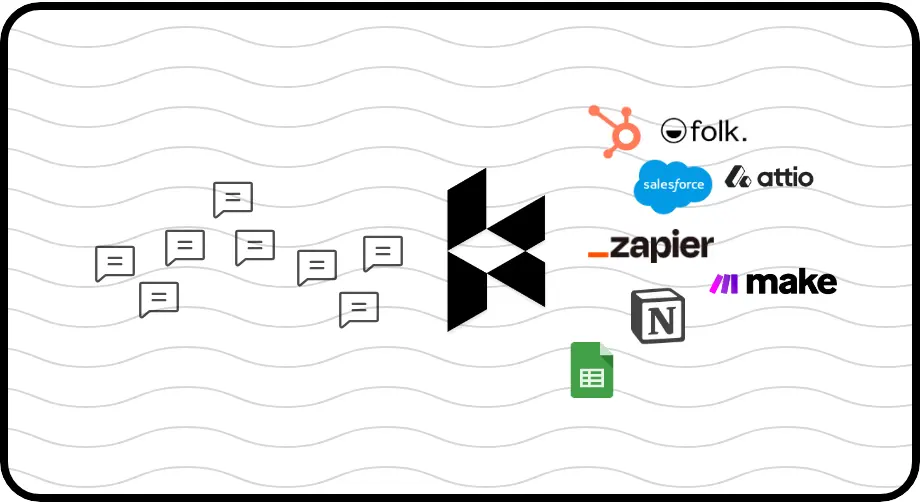
Automatic Notion Sync
Push LinkedIn conversations, labels, and notes directly to your Notion database. No more copy-pasting or manual updates to keep your CRM current.
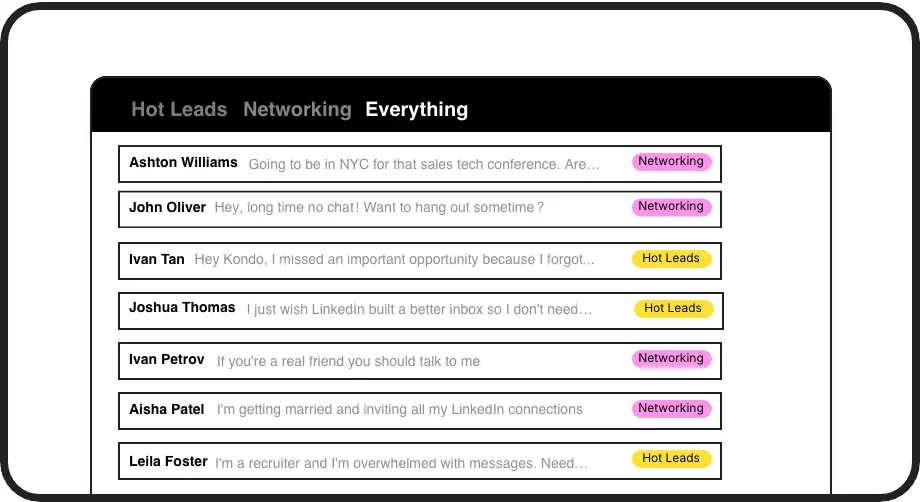
Label Hot Leads
Categorize conversations with custom labels like 'Hot Lead' or 'Follow Up' and view them in separate inboxes. Never lose important sales opportunities in the clutter.
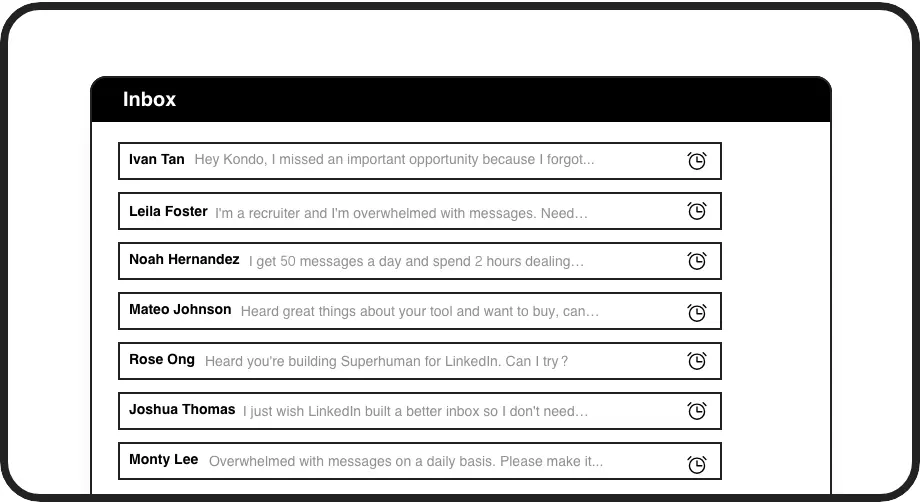
Smart Follow-ups
Set reminders that bring important conversations back to the top of your inbox at the right time. Ensure timely follow-ups with every sales prospect.
LinkedIn left your inbox in 2000. Bring it into 2026.
Get the upgrade every power user's been waiting decades for.


More Deals, Less Admin Work
95%
Less Manual Data Entry
2x
Sales Follow-up Rate
8hrs
Saved Weekly Per Rep
FAQs
How does the LinkedIn to Notion integration work?
Kondo's LinkedIn Notion integration uses webhooks to automatically sync your LinkedIn conversations to Notion. You can choose to push the latest message or entire conversation history, with options for manual sync or live streaming updates. This integration is available on the Business tier and eliminates the need for manual data entry.
What LinkedIn data can be synced to Notion?
You can sync entire LinkedIn conversations, message content, labels you've applied (like 'Hot Lead'), notes, and conversation status. This gives your sales team complete visibility into LinkedIn interactions within your Notion database, ensuring no important lead details are lost.
Can multiple sales team members use this integration?
Yes, Kondo's LinkedIn Notion integration works for entire sales teams. Each team member can sync their individual LinkedIn conversations to your shared Notion database, creating a unified view of all prospect and customer interactions across the team.
Is this integration compliant with LinkedIn's terms of service?
Yes, Kondo is designed to be compliant with LinkedIn's terms of service. It operates as a native desktop app that enhances the LinkedIn messaging experience without scraping data or injecting code. The app focuses on productivity features while maintaining compliance and security.
Beyond Notion, what other systems can Kondo integrate with?
In addition to Notion, Kondo can integrate with other CRM and productivity tools including HubSpot, Salesforce (via Zapier/Make), Google Sheets, Attio, and Clarify. These integrations help sales teams maintain consistent records across all their workflow tools.