
LinkedIn Inbox Management for Sales Teams
Give your team a system to manage every LinkedIn DM. Labels, reminders, and CRM sync ensure no lead falls through the cracks.
What people say
Your Team Is Losing Deals
Without inbox management, LinkedIn becomes your team's most costly blind spot.
Unmanaged Inboxes Bury Hot Leads
When reps have no system to manage their LinkedIn inbox, hot leads get buried and follow-ups get missed. Revenue walks out the door.
No Management Layer Exists
Email has CRM logging and shared inboxes. LinkedIn has none of that. Sales teams are flying blind on their highest-touch channel.
Managers Have Zero Visibility
Without inbox management, there is no way to know if reps are following up or where deals stand. Pipeline reporting stays incomplete.
The Inbox Management System Your Sales Team Needs
Kondo brings structure, accountability, and CRM visibility to your team's LinkedIn inboxes so every rep manages their pipeline systematically.
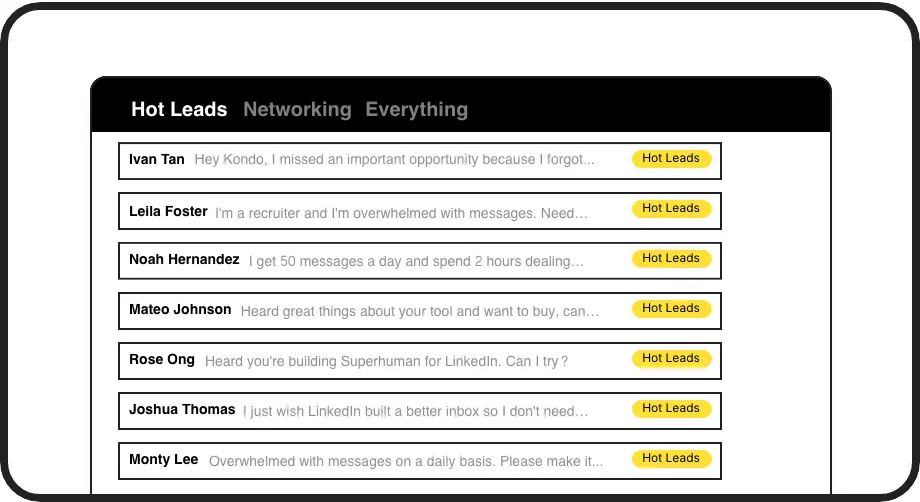
Managed Pipeline Inside LinkedIn
Reps label conversations by deal stage and manage them in split inboxes. Every LinkedIn inbox becomes a structured, visible pipeline your team can act on.

Managed Follow-Up for Every Rep
Snooze conversations to resurface on schedule. Every rep's follow-up cadence is managed automatically so no lead is left to memory or chance.
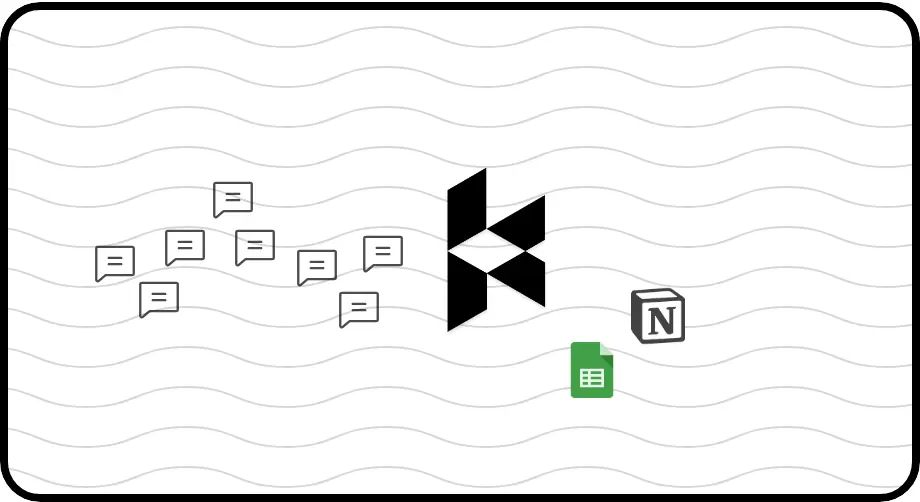
Full Pipeline Visibility for Managers
Sync LinkedIn conversations to HubSpot, Salesforce, and more. Managers get complete visibility across the team's LinkedIn activity without chasing reps for updates.
LinkedIn left your inbox in 2000. Bring it into 2026.
Get the upgrade every power user's been waiting decades for.


Manage More. Miss Less. Close More.
100%
Team Follow-Ups Tracked
Full
Pipeline Visibility Unlocked
Zero
Deals Lost to Clutter
FAQs
How does Kondo help sales teams manage LinkedIn inboxes?
Kondo gives every rep a structured system to manage their LinkedIn inbox using labels, split inboxes, and reminders. Conversations are organized by deal stage, follow-ups resurface automatically, and all activity syncs to your CRM. Your team stops flying blind and starts managing LinkedIn like a real sales channel.
Can managers track their team's LinkedIn activity?
Yes. Through Kondo's CRM sync, LinkedIn conversations, labels, and notes are pushed to tools like HubSpot or Salesforce. Managers gain pipeline visibility across the entire team's LinkedIn inbox activity without needing to access individual rep accounts or chase manual updates.
How does CRM sync work for sales teams?
Kondo integrates with HubSpot, Salesforce (via Zapier or Make), Google Sheets, Notion, Attio, Clarify, and more. Conversations sync automatically using webhooks or native integrations, pushing messages, labels, and notes to your CRM. You can sync on demand or stream updates in real time. CRM sync is available on the Business tier.
Does Kondo support Sales Navigator?
Yes. Kondo combines your regular LinkedIn inbox and your Sales Navigator inbox into a single unified view. Reps no longer need to switch between two separate inboxes. All the same management tools, including labels, reminders, and CRM sync, apply to Sales Navigator messages. This requires the Business plan.
Is Kondo safe to use with team LinkedIn accounts?
Yes. Kondo is a native desktop app that does not scrape data, inject code, or automate any actions prohibited by LinkedIn. It is designed to work within LinkedIn's boundaries, keeping your team's accounts safe while giving them the inbox management tools they need to perform.