
LinkedIn InMail Best Practices That Double Response Rates
Great messages get buried in cluttered inboxes. Kondo helps you organize LinkedIn DMs, set timely follow-ups, and track hot leads so no opportunity is ever lost again.
What people say
LinkedIn InMail Challenges
Even perfect InMail templates fail without a system to manage responses and follow-ups.
Buried Opportunities
Critical messages from leads and candidates get lost in cluttered LinkedIn inboxes, resulting in missed opportunities.
Forgotten Follow-ups
Without systematic reminders, timely follow-ups fall through the cracks, leading to lost connections and deals.
Disconnected Data
InMail conversations remain isolated from your CRM, creating blind spots in your outreach strategy and analytics.
LinkedIn InMail Best Practices Made Simple
Kondo transforms your LinkedIn messaging workflow with tools designed for professionals who rely on InMail for business growth.
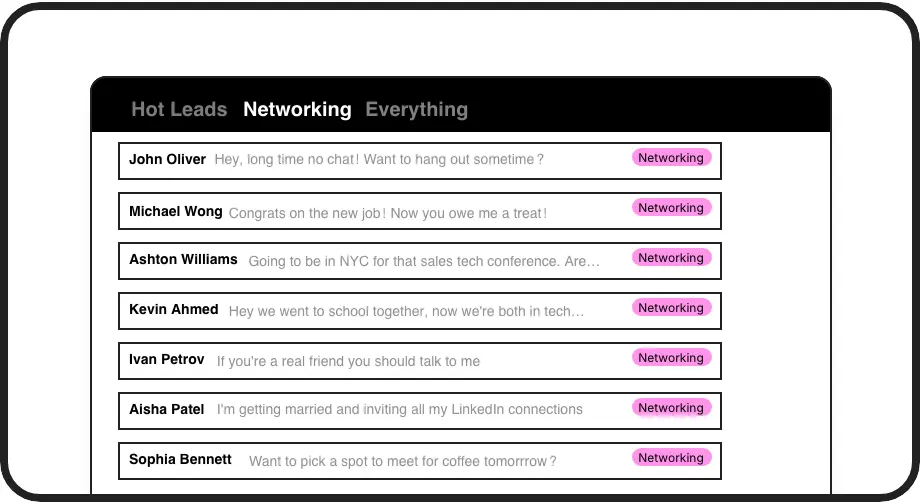
Organize Hot Leads
Label conversations as 'Hot Lead', 'Client', or 'Candidate' and view them in separate inboxes, ensuring priority messages never get buried in LinkedIn clutter.
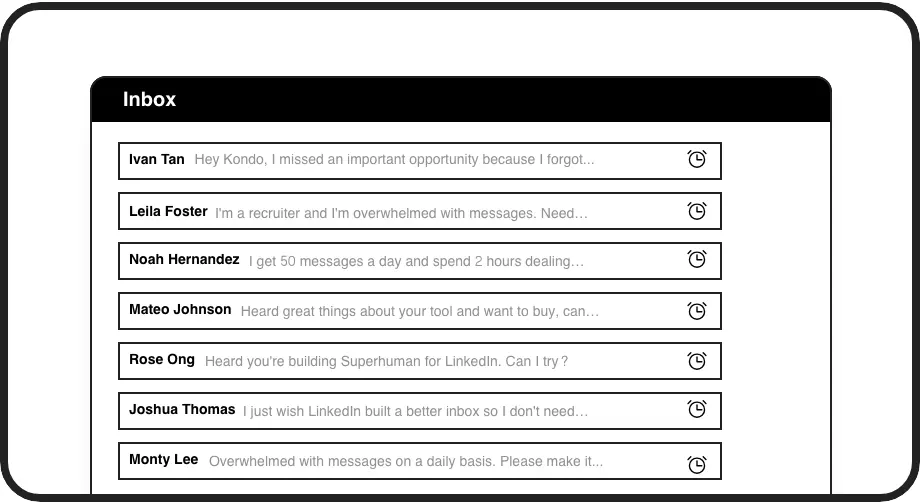
Perfect Follow-ups
Set reminders with a simple keyboard shortcut and watch conversations resurface exactly when needed. Never miss a critical follow-up opportunity again.
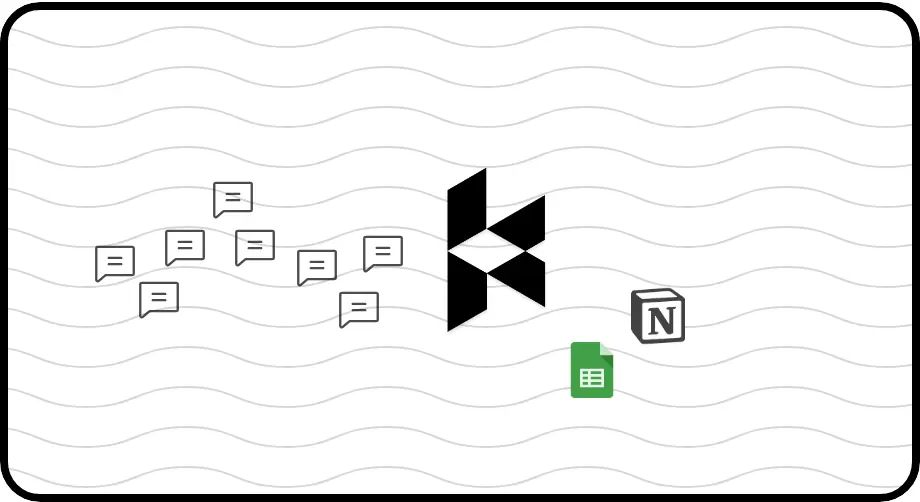
Sync to Your CRM
Automatically push LinkedIn conversations to HubSpot, Salesforce, or other systems to maintain complete visibility of your outreach history without manual data entry.
LinkedIn left your inbox in 2000. Bring it into 2026.
Get the upgrade every power user's been waiting decades for.


Maximize Your InMail Results
2x
Response Rates
100%
Follow-up Consistency
5hrs
Saved Weekly
FAQs
How does Kondo improve my LinkedIn InMail practices?
Kondo transforms your approach to LinkedIn InMail by organizing conversations with labels, automating follow-up reminders, and syncing activity to your CRM. Instead of focusing only on message templates, Kondo provides the organizational system needed to manage responses effectively and ensure no opportunity gets lost.
Can I use Kondo with my existing InMail templates?
Yes, Kondo complements your existing templates with its Snippets feature. You can save your best-performing InMail templates as snippets that include variables like {firstName} for personalization, then insert them quickly with a simple shortcut. This maintains your messaging strategy while making execution faster and more consistent.
Will Kondo help me track which InMail messages get responses?
Absolutely. With Kondo's labeling system, you can categorize conversations based on response status or lead quality. When integrated with your CRM system, you can track message effectiveness across your entire outreach strategy, giving you insights into which approaches drive the best engagement.
Is Kondo compliant with LinkedIn's terms of service?
Yes. Kondo is a native desktop application that does not scrape data, inject code, or automate prohibited LinkedIn actions. It enhances your inbox experience while maintaining complete compliance with LinkedIn's terms of service.
Does Kondo work with both regular LinkedIn messages and Sales Navigator?
Yes, Kondo combines your regular LinkedIn inbox and Sales Navigator inbox into a single, unified view. This eliminates the need to switch between two separate inboxes, streamlining your workflow and ensuring you never miss important messages regardless of which system they come through.