
LinkedIn DMs Sync Directly to Your CRM
Automatically push LinkedIn conversations to HubSpot, Salesforce, and other CRMs without manual data entry. Never miss a lead opportunity or follow-up again.
What people say
LinkedIn DMs Create Chaos
Manual CRM updates waste time and lead to costly mistakes.
Data Entry Errors
Copy-pasting from LinkedIn to CRM leads to incomplete records and missed follow-ups.
Lost Opportunities
Important messages get buried in cluttered inboxes, causing delayed responses and lost deals.
Time-Consuming Process
Manually logging LinkedIn conversations into your CRM steals hours from your productive work week.
Seamless LinkedIn to CRM Integration
Kondo transforms your LinkedIn inbox experience while keeping your CRM automatically updated with every conversation.
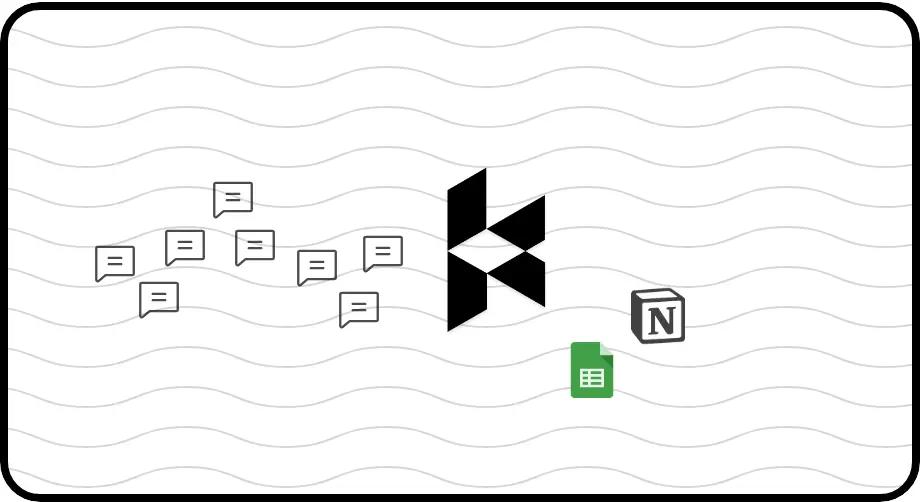
Automatic CRM Sync
Push LinkedIn conversation data to HubSpot, Salesforce, Notion, or Google Sheets. Sync latest messages or full history with no manual entry.
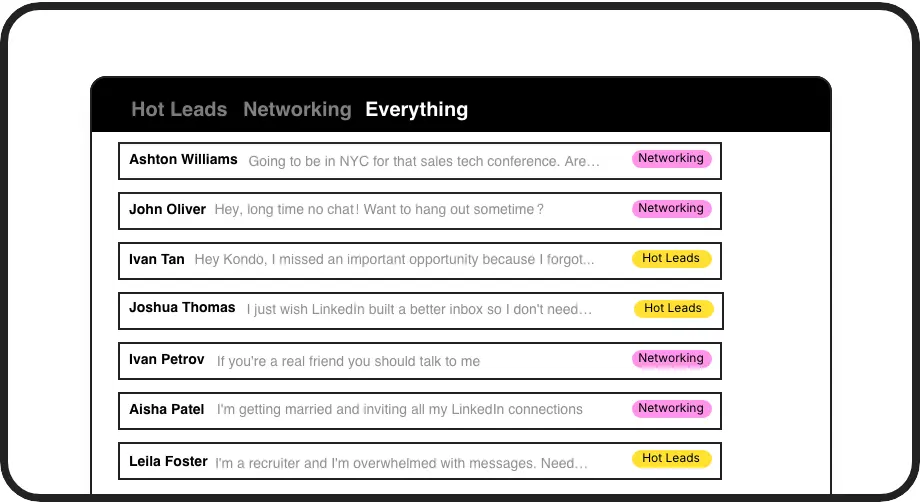
Smart Message Labels
Categorize conversations with custom labels like 'Hot Lead' or 'Client' and view them in separate inboxes to prevent valuable leads from getting lost.
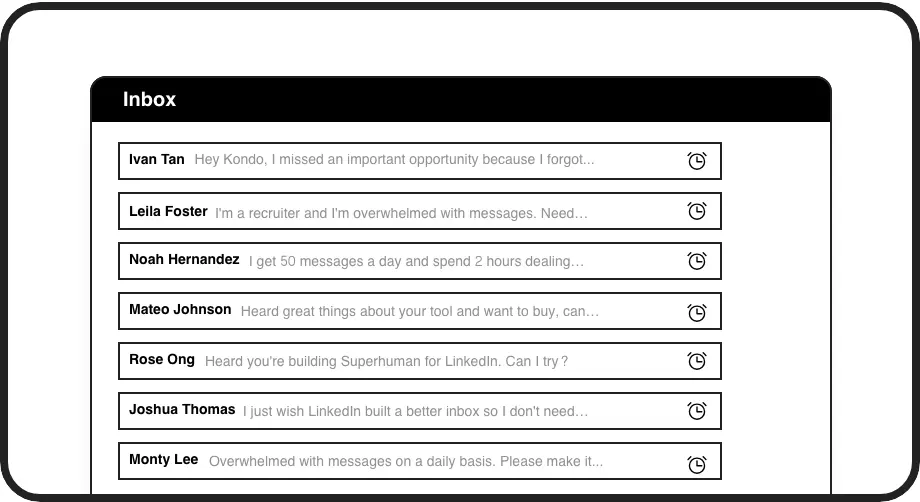
Follow-up Reminders
Set follow-up reminders that bring conversations back to the top of your inbox exactly when needed, ensuring timely responses to every lead.
LinkedIn left your inbox in 2000. Bring it into 2026.
Get the upgrade every power user's been waiting decades for.


Save Time. Close More. Never Miss Leads.
100%
Follow-up Completion
8+ hrs
Saved Weekly
Zero
Missed Opportunities
FAQs
How does Kondo sync LinkedIn DMs to my CRM?
Kondo connects to your CRM via webhooks or native integrations with platforms like HubSpot, Salesforce (via Zapier/Make), Google Sheets, Notion, and more. You can configure it to automatically sync the latest messages or entire conversation history, either on-demand or through continuous streaming updates.
Which CRM systems does Kondo integrate with?
Kondo offers direct integrations with HubSpot, Notion, Google Sheets, Attio, and Clarify. Additionally, you can connect to Salesforce and other CRMs through Zapier or Make.com. The webhook support also allows for custom integrations with virtually any system that accepts webhook data.
Is Kondo compliant with LinkedIn's terms of service?
Yes, Kondo is built as a native desktop application that doesn't scrape data or inject code into LinkedIn. It simply enhances your LinkedIn messaging experience while respecting platform guidelines and data privacy requirements.
Can I sync both regular LinkedIn and Sales Navigator messages?
Yes, Kondo's Business plan allows you to combine messages from your regular LinkedIn inbox and Sales Navigator inbox into a single, unified view, eliminating the need to switch between separate inboxes.
How does the labeling system help with CRM synchronization?
When you apply custom labels to conversations in Kondo (like 'Hot Lead' or 'Client'), these labels are included in the data synced to your CRM. This helps maintain consistent categorization across platforms and provides additional context for your team reviewing the CRM records.