
LinkedIn CRM Alternative That Organizes Your Inbox
Kondo transforms your cluttered LinkedIn inbox into a streamlined system that syncs to your CRM. Stop missing leads and start managing conversations efficiently.
What people say
Losing Leads in LinkedIn
Traditional CRMs don't solve these LinkedIn messaging challenges:
Buried Important Messages
Critical messages from leads and clients get lost in the notification clutter, resulting in missed opportunities.
Manual CRM Updates
Copy-pasting LinkedIn conversations to your CRM wastes time and leads to incomplete contact records.
Inefficient Follow-ups
Without a structured system, important follow-ups are forgotten or delayed, causing leads to go cold.
Your LinkedIn Inbox, Supercharged
Kondo brings productivity tools directly into your LinkedIn messaging system, helping you capture and convert more opportunities.
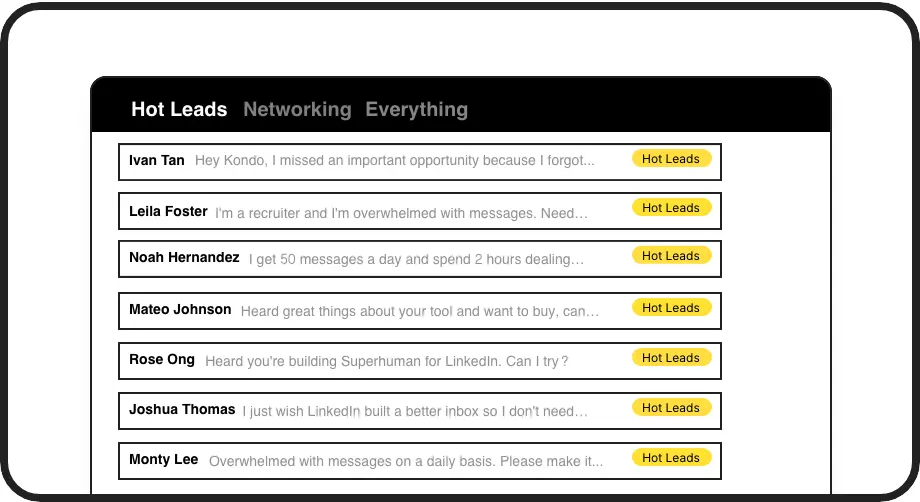
Organized Inbox
Label conversations (e.g., Hot Lead, Client, Candidate) and view them in separate inboxes. Never lose important messages in the LinkedIn clutter again.
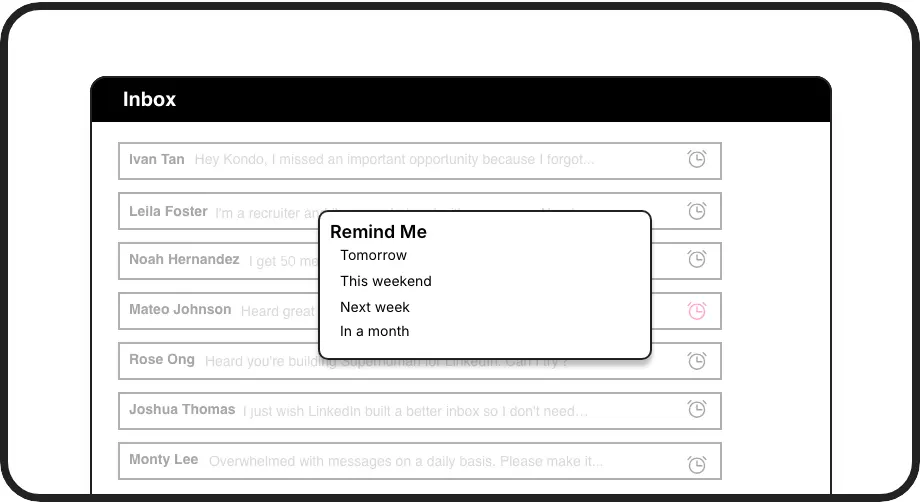
Smart Follow-ups
Set reminders to bring conversations back to the top of your inbox at the perfect time. Ensure timely responses without relying on external tools.
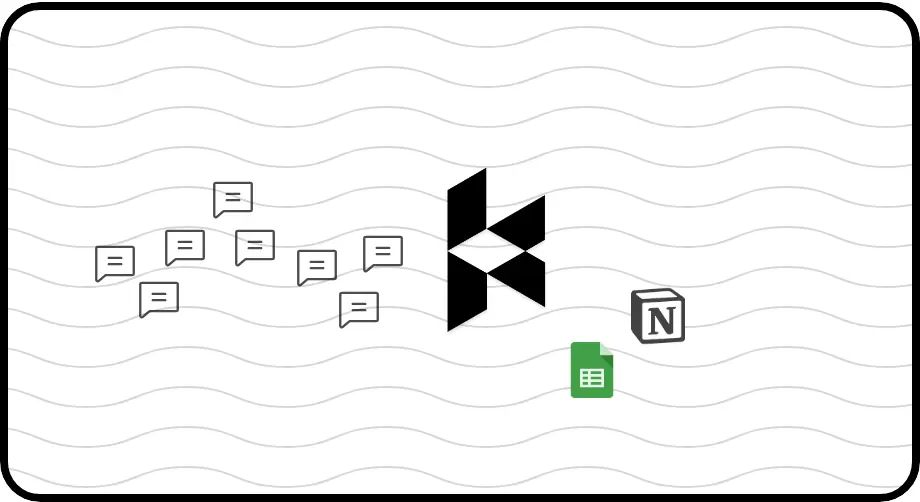
Automatic CRM Sync
Push LinkedIn conversations directly to HubSpot, Salesforce, Notion, or Google Sheets. Keep your CRM updated without manual data entry.
LinkedIn left your inbox in 2000. Bring it into 2026.
Get the upgrade every power user's been waiting decades for.


Save Time, Capture Leads, Grow Revenue
70%
Less Time Managing
Zero
Missed Opportunities
5+ hrs
Saved Weekly
FAQs
How is Kondo different from other LinkedIn CRM alternatives?
Unlike other solutions, Kondo works directly within your LinkedIn inbox rather than replacing it. It adds productivity features like labels, reminders, and keyboard shortcuts while syncing data to your existing CRM. This approach gives you the best of both worlds: LinkedIn's native messaging with powerful organization tools.
Can Kondo integrate with my existing CRM system?
Yes, Kondo's Business tier offers integration with popular CRMs including HubSpot and Salesforce (via Zapier/Make), as well as tools like Google Sheets, Notion, Attio, and Clarify. You can choose to sync the latest message or entire conversation history, and set up manual or streaming updates.
Is Kondo safe to use with my LinkedIn account?
Absolutely. Kondo is a native desktop app that doesn't scrape LinkedIn data, inject code, or automate prohibited LinkedIn actions. It's designed to work safely alongside LinkedIn while respecting all platform guidelines.
How does Kondo help me prioritize LinkedIn conversations?
Kondo lets you apply custom labels to conversations and view them in separate, prioritized inboxes. You can create labels like 'Hot Lead,' 'Client,' or 'Candidate' and even apply multiple labels for detailed organization. This system ensures high-priority messages are always visible and properly tracked.
Does Kondo work with Sales Navigator?
Yes, Kondo combines your regular LinkedIn inbox with your Sales Navigator inbox in a single unified view. This eliminates the need to switch between two separate inboxes, making it easier to manage all your LinkedIn communications in one place.