
LinkedIn CRM Integration Software That Prevents Lost Leads
Kondo automatically syncs LinkedIn conversations to your CRM, eliminating manual data entry and ensuring no opportunity slips through the cracks. Stop wasting time copy-pasting messages.
What people say
LinkedIn DMs Create Chaos
Missing critical messages means losing valuable opportunities and wasting countless hours.
Lost Sales Opportunities
Hot leads get buried in your cluttered LinkedIn inbox, resulting in missed follow-ups and lost revenue.
Manual Data Entry
Copy-pasting LinkedIn conversations into your CRM wastes hours weekly and leads to incomplete customer records.
Disorganized Communication
Without a system to organize LinkedIn messages, important conversations get lost among less critical notifications.
Seamlessly Connect LinkedIn to Your CRM
Kondo transforms your LinkedIn inbox into a powerful sales tool with automatic CRM integration and productivity features.
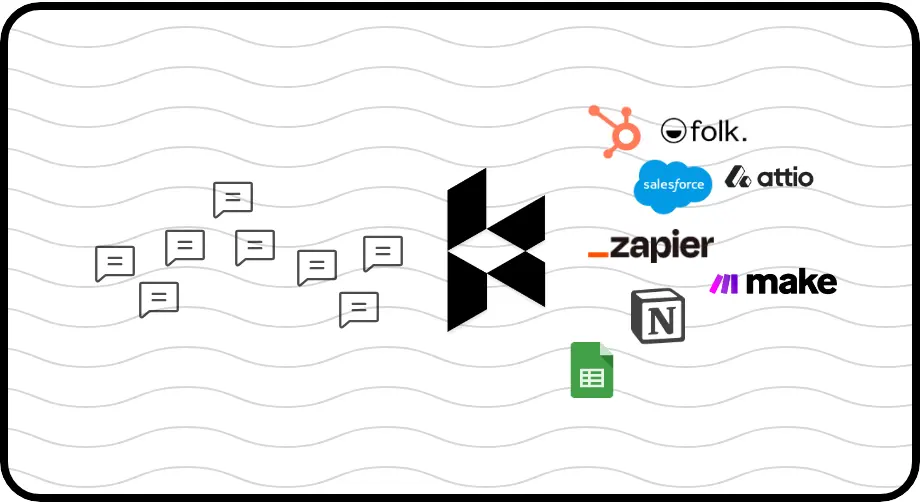
Automated CRM Sync
Push LinkedIn conversations to HubSpot, Salesforce, Notion, and more. Automatically sync messages, labels, and notes without manual data entry.
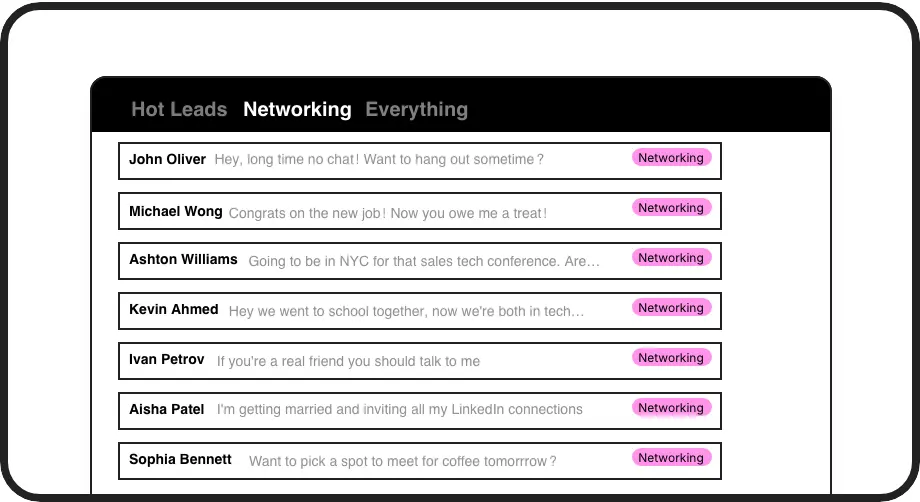
Label Critical Messages
Categorize conversations as 'Hot Lead,' 'Client,' or 'Candidate' and view them in separate inboxes. Never lose an important lead in the mess again.
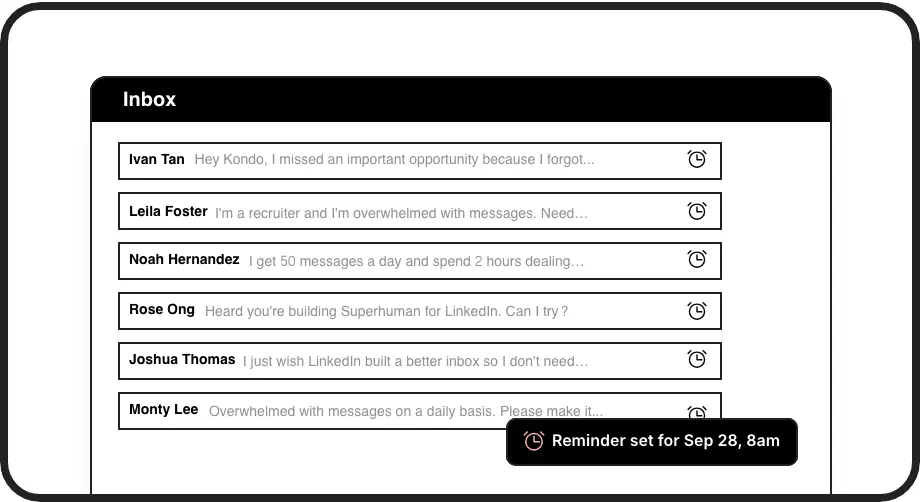
Never Miss Follow-ups
Set reminders that bring important conversations back to the top of your inbox exactly when needed. Ensure timely responses to every opportunity.
LinkedIn left your inbox in 2000. Bring it into 2026.
Get the upgrade every power user's been waiting decades for.


More Leads, Less Work, Better Results
100%
Lead Capture Rate
5+ hours
Saved Weekly
Zero
Manual CRM Updates
FAQs
How does Kondo sync LinkedIn conversations to my CRM?
Kondo uses webhooks and native integrations to automatically push LinkedIn conversation data to your CRM. It supports HubSpot, Salesforce (via Zapier/Make), Google Sheets, Notion, Attio, Clarify and others. You can choose to sync the latest message or entire conversation history, with manual or streaming sync options.
Is Kondo compliant with LinkedIn's terms of service?
Yes. Kondo is a native desktop app that doesn't scrape content, inject code, or automate prohibited LinkedIn actions. It works alongside LinkedIn to enhance your messaging experience while respecting LinkedIn's terms of service.
Which CRMs does Kondo integrate with?
Kondo integrates with HubSpot, Salesforce (via Zapier/Make), Notion, Google Sheets, Attio, Clarify, and more through webhooks and native integrations. The CRM sync feature is available on the Business tier.
How can Kondo help our sales team be more efficient?
Kondo helps sales teams save time by automating CRM data entry, organizing leads with labels, setting follow-up reminders, using keyboard shortcuts for rapid inbox management, and creating reusable message templates. This allows sales professionals to focus on relationship building rather than administrative tasks.
Can I use Kondo with Sales Navigator?
Yes, Kondo combines messages from your regular LinkedIn inbox and Sales Navigator inbox into a single, unified view. This eliminates the need to switch between two separate inboxes, making it easier to manage all your LinkedIn communications in one place.